Top 10 Best Wi-Fi Routers of 2026: Ranked & Reviewed
Your router from three years ago can't handle your smart home anymore. From a shockingly capable $129 Wi-Fi 7 entry to a mesh system blanketing 6,000 sq. ft., the #1 pick on this list rewrites what next-gen speed should cost.
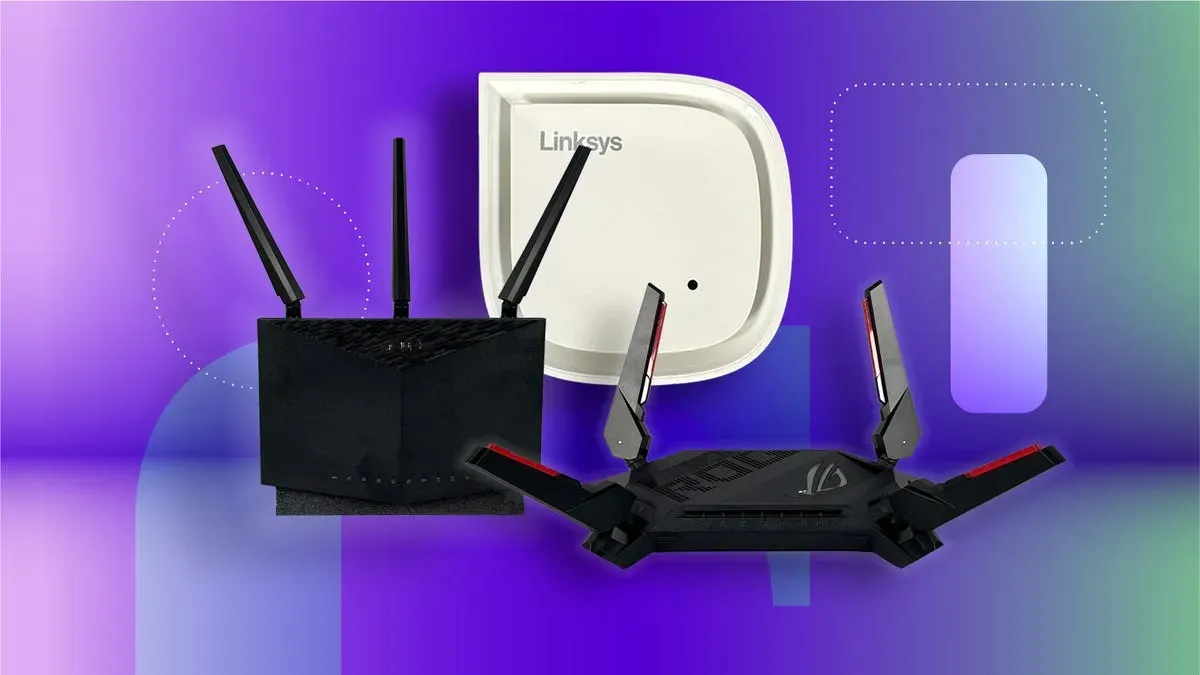
You know the feeling. Twelve minutes into a 4K movie and the buffering wheel spins up. That router you bought in 2022 was fine when you had three devices. Now your smart fridge, work laptop, kid's tablet, and 4K TV are all fighting for the same narrow pipe. Wi-Fi 7 fixes this. Not with a small tweak but with a complete rethinking of how your network handles congestion. This list spans a $129 entry point to a $799 mesh system covering 6,000 square feet. The Amazon eero Pro 7 grabbed the top spot by delivering genuine next-gen performance at a price that makes the $600-plus options look reckless. Every router here earns its place with real improvements over aging Wi-Fi 5 and Wi-Fi 6 hardware.
Quick Comparison: Top 10 Best Wi-Fi Routers 2026
| # | Product | Price | Rating | |
|---|---|---|---|---|
| #1 | Amazon eero Pro 7 | $199.00 | 4.4/5 | View Deal |
| #2 | NETGEAR Nighthawk RS700S | $799.00 | 4.4/5 | View Deal |
| #3 | ASUS ROG Strix GS-BE12000 | $274.55 | 4.4/5 | View Deal |
| #4 | TP-Link Archer BE670 | $229.99 | 4.4/5 | View Deal |
| #5 | TP-Link Archer BE230 | $129.00 | 4.3/5 | View Deal |
| #6 | TP-Link Archer BE9700 | $449.00 | 4.3/5 | View Deal |
| #7 | ASUS ROG Rapture GT-BE98 Pro | $580.99 | 4.2/5 | View Deal |
| #8 | NETGEAR Orbi 370 Series | $799.00 | 4.2/5 | View Deal |
| #9 | D-Link BE9500 R95 | $269.95 | 3.8/5 | View Deal |
| #10 | TP-Link Archer BE550 Pro | $189.99 | 4.2/5 | View Deal |
#1. Amazon eero Pro 7 Tri-Band Mesh Wi-Fi 7 Router
Wi-Fi 7 speeds without the networking degree. Simple setup, serious performance, three-year warranty.

Price: $199.00 Rating: 4.4/5 Best For: Seamless Whole-Home Coverage Check Price on Amazon
Here's the thing about mesh routers: most of them make you choose between easy setup and actual performance. The eero Pro 7 is the first one that doesn't. It costs $600 less than the Nighthawk RS700S while covering the rooms you actually live in, not just the theoretical maximum range. TrueMesh earns its name. Your phone switches bands mid-stride without you noticing. That's not a spec sheet bullet point. That's the reason you buy a mesh system in the first place. The three-year warranty says more about eero's confidence than any marketing copy could. If your home is under 2,000 square feet per floor and you want Wi-Fi 7 without a networking textbook, this is the pick.
Pros
- Dual auto-sensing 5 GbE ports supporting internet plans up to 5 Gbps
- TrueMesh with TrueRoam proactively optimizes connections across devices
- Backward compatible with all previous eero generations and select Echo devices
- Industry-leading 3-year warranty
- Covers 2,000 sq. ft. per unit; four units handle 8,000 sq. ft. and 800+ devices
Cons
- Single unit coverage smaller than standalone routers like the Nighthawk RS700S
- Limited advanced gaming features compared to ASUS ROG models
Verdict: Buy this if you want Wi-Fi 7 speeds without the complexity and cost of enterprise-grade hardware. Skip if you need a single router to cover 3,500+ square feet or want deep gaming optimization.
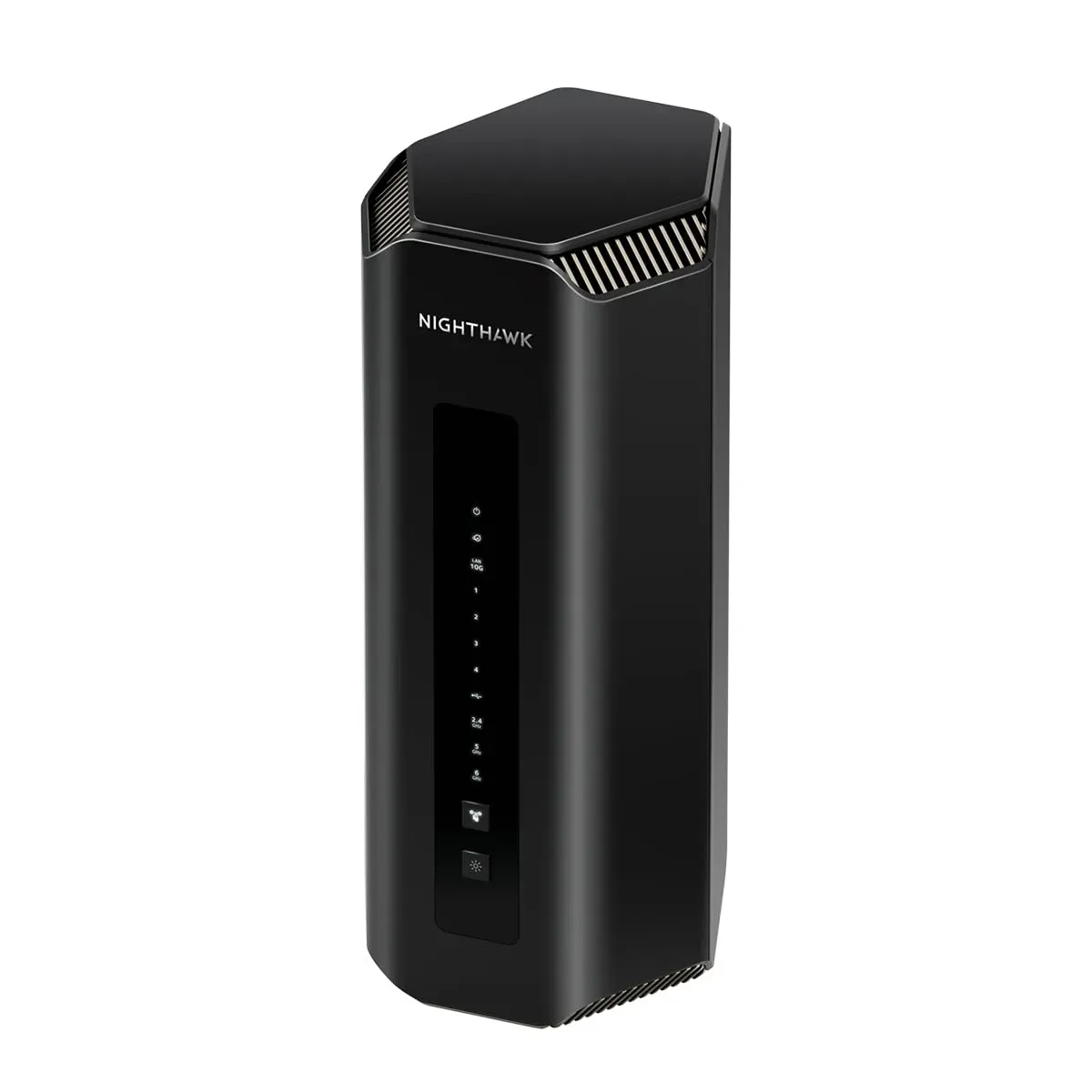
#2. NETGEAR Nighthawk Tri-Band WiFi 7 Router (RS700S)
The fastest standalone router on the list. Built for people who check their internet speed for fun.
Price: $799.00 Rating: 4.4/5 Best For: Gaming & Streaming Power Users Check Price on Amazon
Six hundred dollars. That's the price gap between this and the eero Pro 7, and what you're buying is headroom. The RS700S exists for people who check their internet speed the way car people check 0-60 times. When multi-gig internet plans roll out broadly, this router won't blink. It'll just work. The smaller chassis compared to previous Nighthawks is a nice surprise given the thermal demands of Wi-Fi 7. If you're streaming 8K, running a home server, or gaming competitively while someone else watches 4K in the next room, the RS700S handles it without breaking stride. For everyone else, the eero Pro 7 at $199 does the job. But if buying the best and forgetting about it for half a decade sounds like your style, the RS700S delivers.
Pros
- Wi-Fi 7 speeds up to 19 Gbps -- fastest in our lineup
- 10 Gig internet port plus 4x 1 Gig LAN ports
- 3,500 sq. ft. coverage with 360-degree high-performance antenna design
- 25+ years of NETGEAR engineering in a smaller footprint
- 2.4x faster than Wi-Fi 6 for maximum device performance
Cons
- $799 price is quadruple the eero Pro 7 for marginal real-world gains
- No built-in cable modem -- requires separate hardware
Verdict: Buy if you're running multi-gig internet and need every ounce of speed for gaming or 8K streaming. Skip if the $600 premium over the eero Pro 7 feels excessive for your usage.
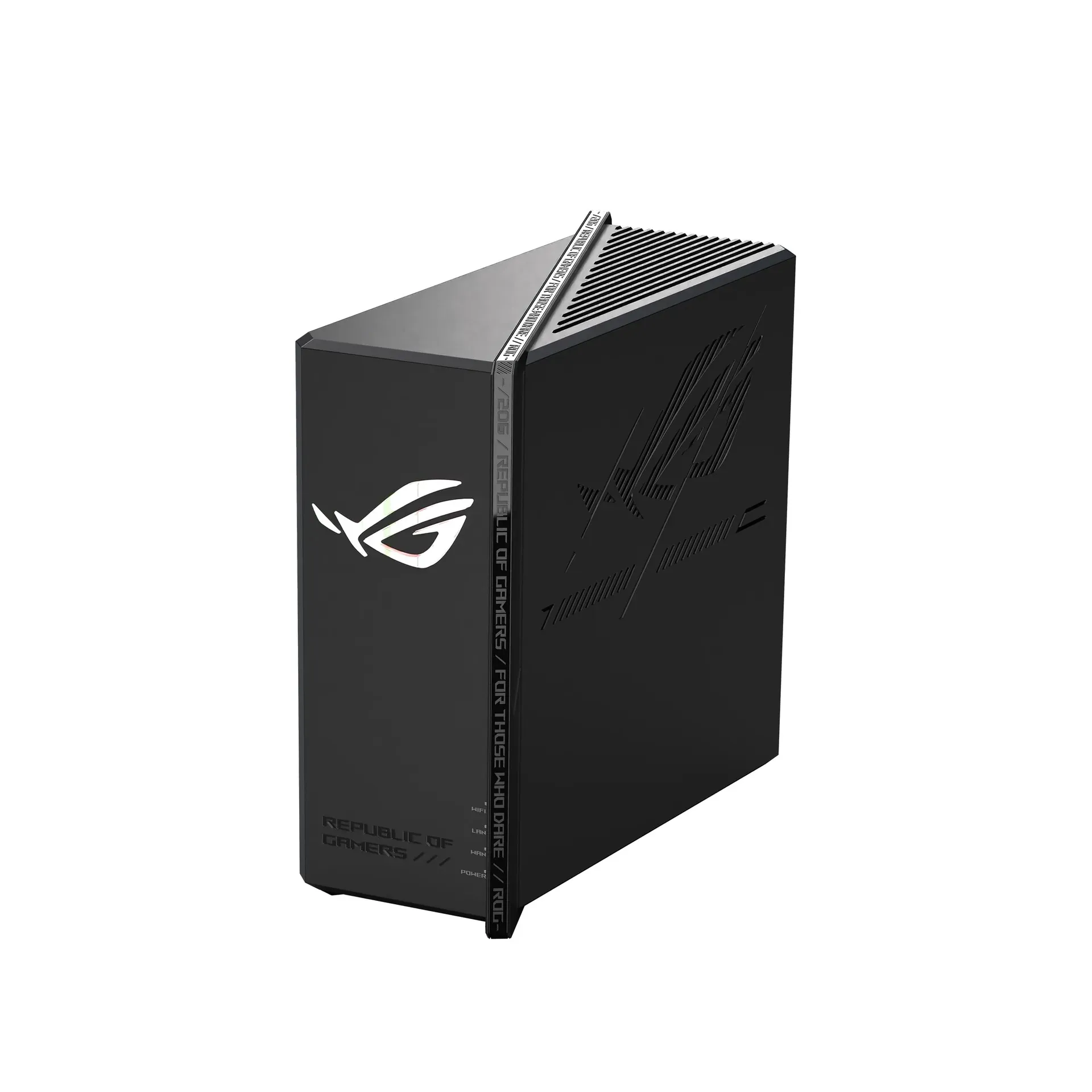
#3. ASUS ROG Strix GS-BE12000 WiFi 7 Gaming Router
Seven 2.5G LAN ports. Triple-Level Game Acceleration. The wired gaming setup you'll actually use.
Price: $274.55 Rating: 4.4/5 Best For: Competitive Gamers Check Price on Amazon
Seven 2.5G LAN ports. Let that number sit for a second. Most gaming routers ship with one, maybe two multi-gig ports and call it a day. ASUS put seven on the GS-BE12000 plus a 2.5G WAN, which means you can wire your gaming PC, console, NAS, and still have ports left for the streaming setup you haven't built yet. The throughput is lower than the Nighthawk RS700S on paper, but competitive gaming cares more about latency than raw speed. Triple-Level Game Acceleration prioritizes your gaming traffic from port to server. At $275, it undercuts the ROG Rapture by over $300 while keeping the features that actually win matches. Casual users should look elsewhere. The ASUS interface alone frustrates anyone who just wants to plug in and forget.
Pros
- Seven 2.5G LAN ports plus one 2.5G WAN port (20G wired capacity)
- 12,000 Mbps tri-band throughput with 320 MHz 6 GHz channels
- Quad-core 2.0 GHz CPU with 2GB RAM for heavy traffic
- Triple-Level Game Acceleration with dedicated gaming SSIDs
- Commercial-grade AiProtection Pro security
Cons
- 3,000 sq. ft. coverage is smaller than the Nighthawk RS700S
- ASUS interface can overwhelm casual users with options
Verdict: Buy if you have multiple gaming PCs or consoles that need wired connections. Skip if you need maximum wireless range or prefer a simpler setup experience.
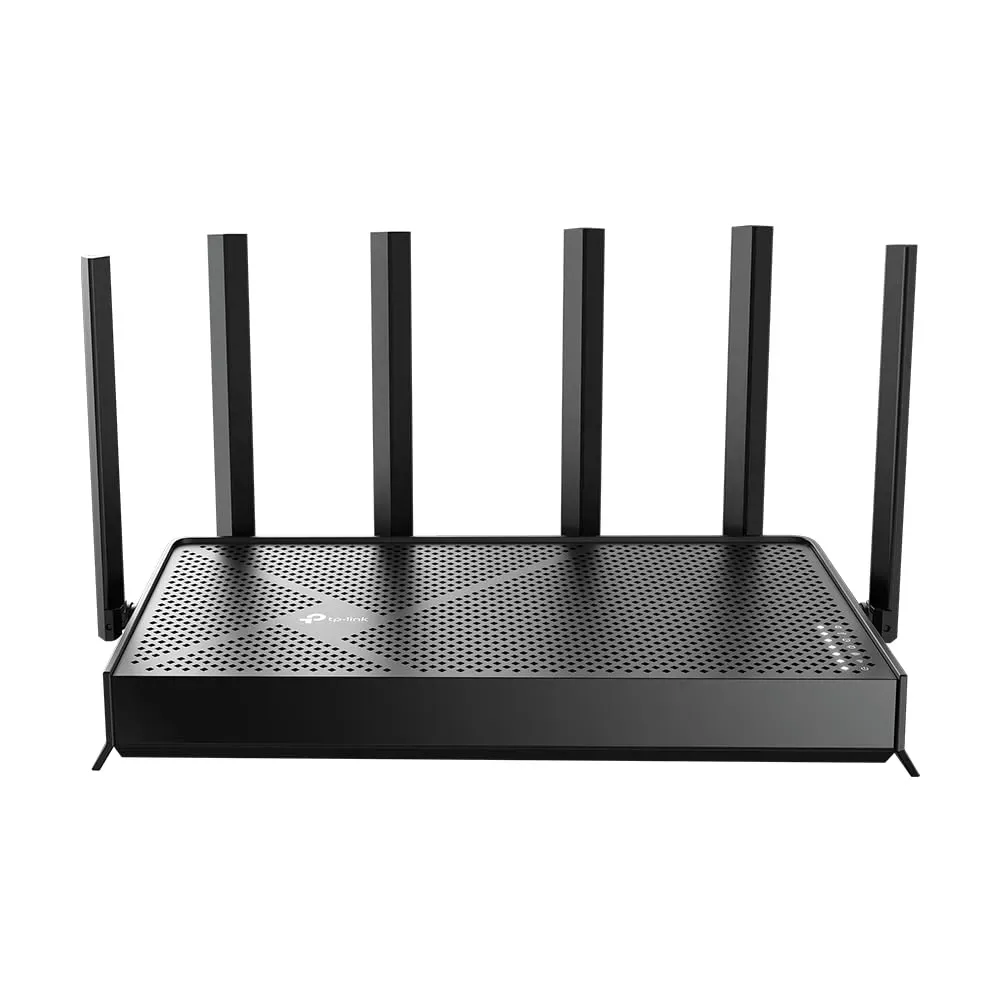
#4. TP-Link Archer BE670 BE12000 Tri-Band WiFi 7 Router
A 10G port at a mid-tier price. Six antennas with beamforming that actually works.
Price: $229.99 Rating: 4.4/5 Best For: High-Bandwidth Households Check Price on Amazon
The BE670 makes every router above $300 on this list look like it's charging a brand tax. You get the same port type found on the $799 Nighthawk for $230, and the tri-band architecture handles 8K streaming while your smart home hums along in the background. Beamforming works here. The router pushes signal toward the rooms you use instead of treating every direction equally. HomeShield security doesn't nickel-and-dime you with subscriptions either. The USB 3.0 port is slower than what competitors offer, and you'll need the Tether app for setup. For a household that streams heavily but doesn't game competitively, this is the value pick of the mid-range.
Pros
- 10 Gbps WAN/LAN port for multi-gig internet plans
- BE12000 tri-band speeds: 5,765 Mbps (6 GHz), 5,765 Mbps (5 GHz), 688 Mbps (2.4 GHz)
- 6 high-gain antennas with beamforming for 3,000 sq. ft. coverage
- Supports 128 devices simultaneously
- HomeShield security with parental controls included
Cons
- USB 3.0 port is slower than the 2.5G ports on competitors
- Setup requires the Tether app -- no web-only configuration
Verdict: Buy if you want Wi-Fi 7 with a 10G port without spending $600+. Skip if you need more than three 2.5G+ LAN ports.
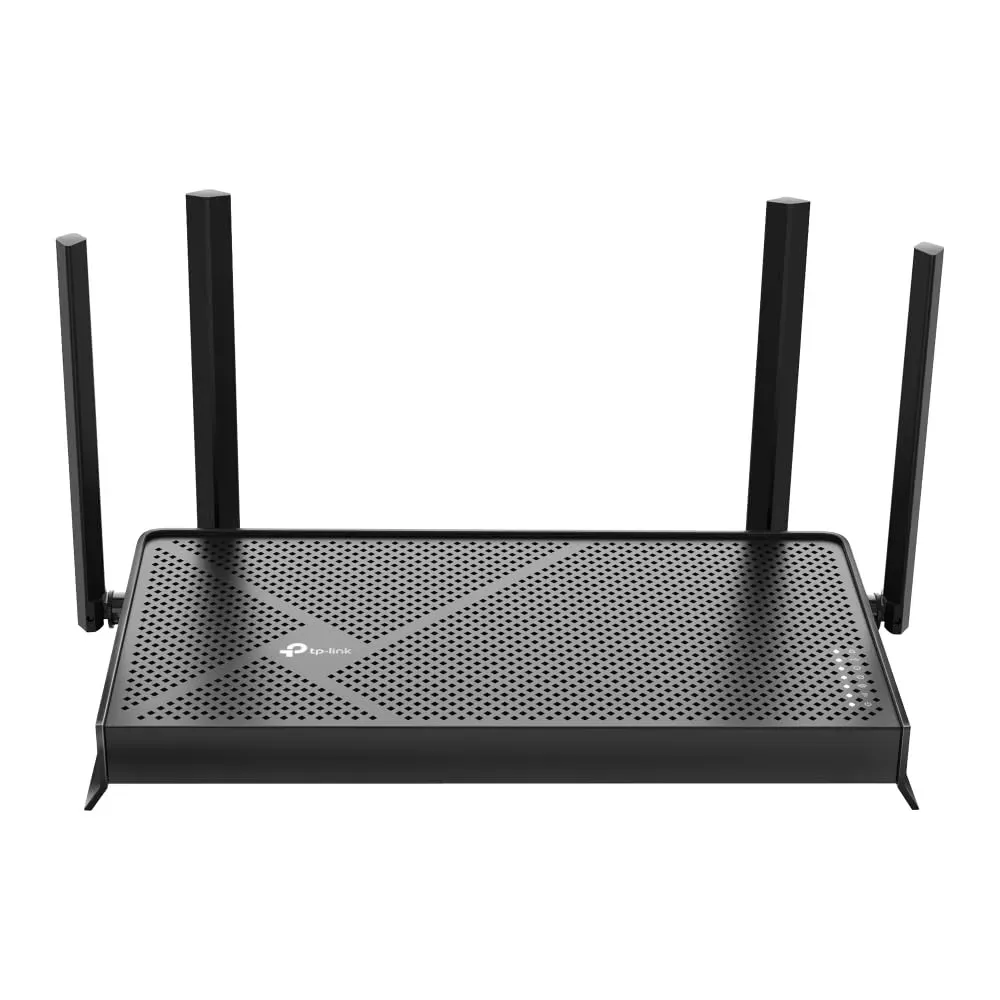
#5. TP-Link Archer BE230 BE3600 Dual-Band WiFi 7 Router
Wi-Fi 7 for under $130. The upgrade that makes sense for households still running Wi-Fi 5.
Price: $129.00 Rating: 4.3/5 Best For: Budget-Conscious Buyers Check Price on Amazon
A hundred and twenty-nine bucks. That's the cheapest ticket to Wi-Fi 7 on this list, and it's not a compromised mess. The BE230 is for the apartment dweller, the small-home owner, the person still nursing a Wi-Fi 5 router from 2018 who just wants streaming to work when everyone's home. It skips the 6 GHz band, which keeps the price down. For a household of two or three people with maybe 20 devices, that's the right tradeoff. The processor handles traffic management competently, and EasyMesh support means you can add a node later if you move. The 1,300-plus reviews averaging 4.3 out of 5 tell the real story: TP-Link figured out reliability at the budget end. If you have a large home or plan to run a dozen smart devices simultaneously, step up to the BE670.
Pros
- Dual 2.5G ports (one WAN/LAN, one LAN) at a budget price
- 2,882 Mbps on 5 GHz with 4K-QAM and Multi-Link Operation
- 2.0 GHz quad-core processor for traffic management
- 2,000 sq. ft. coverage for up to 60 devices
- EasyMesh compatible for future expansion
Cons
- Dual-band only -- no dedicated 6 GHz backhaul
- Range limited compared to tri-band alternatives
Verdict: Buy if you're upgrading from Wi-Fi 5 and want Wi-Fi 7 without breaking the bank. Skip if you have a large home or need tri-band performance for multiple heavy users.
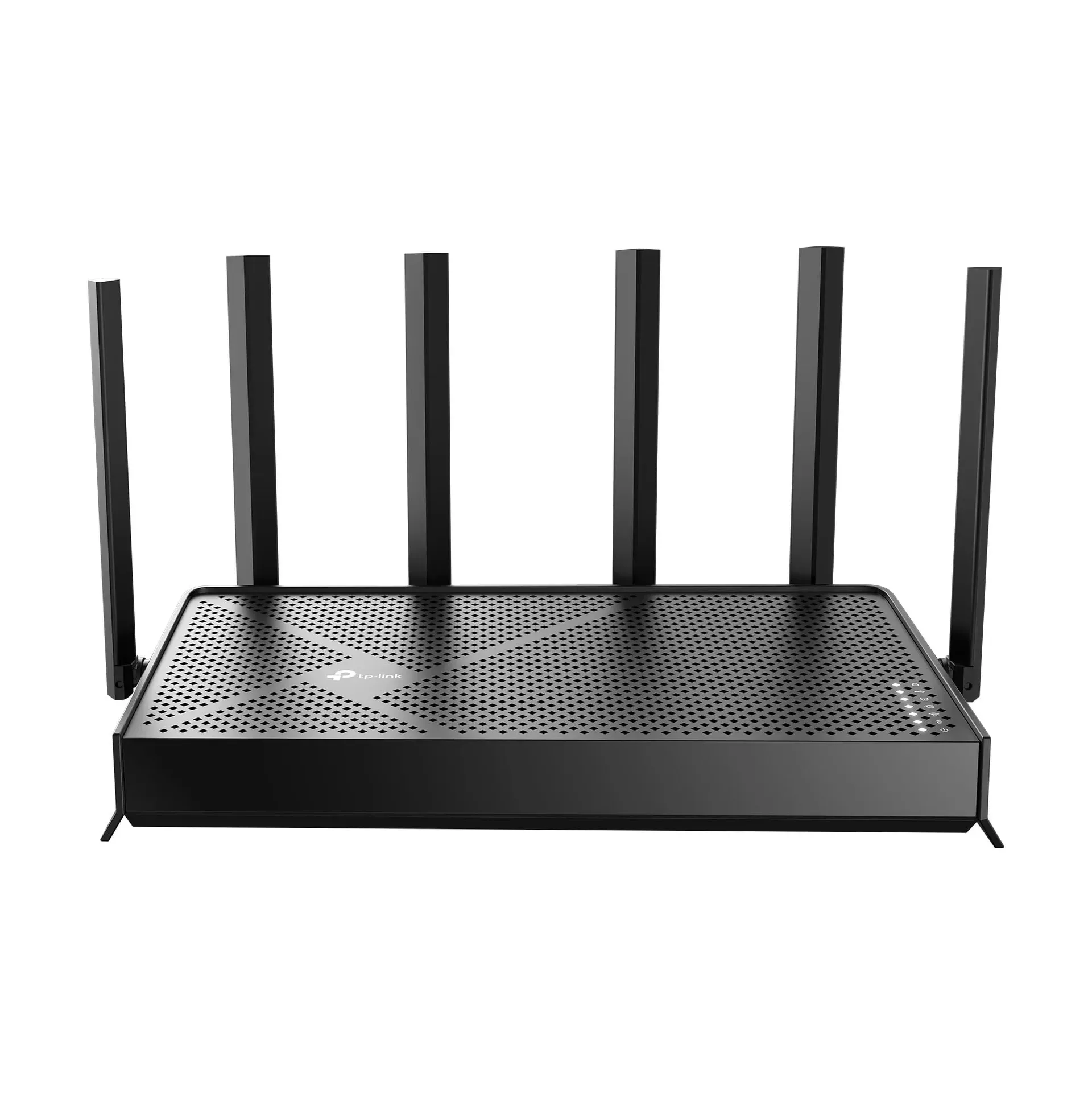
#6. TP-Link Archer BE9700 Tri-Band WiFi 7 Router (Archer BE600)
Five multi-gig ports including a 10G connection. Built for wired home offices and media servers.
Price: $449.00 Rating: 4.3/5 Best For: Future-Proof Enthusiasts Check Price on Amazon
The BE9700 costs $449, which puts it in a strange middle ground between the excellent BE670 and the ROG Rapture. What you get for that money is more wired ports than anything else near this price. The CISA Secure-by-Design certification matters because router security is the thing nobody thinks about until their network gets hijacked by a botnet. Here's the odd part: coverage tops out at 2,600 square feet, which is less than the cheaper BE670. That's the tradeoff: more wired throughput, less wireless reach. If you're building a home office with a media server and multiple workstations, the port selection justifies stepping up from the BE670. If you're mostly wireless, save the $220 and buy the BE670 instead.
Pros
- 10G WAN/LAN plus four additional 2.5G ports (five multi-gig connections total)
- BE9700 tri-band: 5,765 Mbps (6 GHz), 2,882 Mbps (5 GHz)
- CISA Secure-by-Design pledge compliance
- 2,600 sq. ft. coverage for up to 120 devices
- Multi-Link Operation using multiple bands simultaneously
Cons
- Price approaches gaming router territory without gaming-specific features
- Smaller coverage than the Archer BE670 despite higher price
Verdict: Buy if you need multi-gig wired ports for a home office or media server setup. Skip if you're purely wireless -- cheaper options suffice.
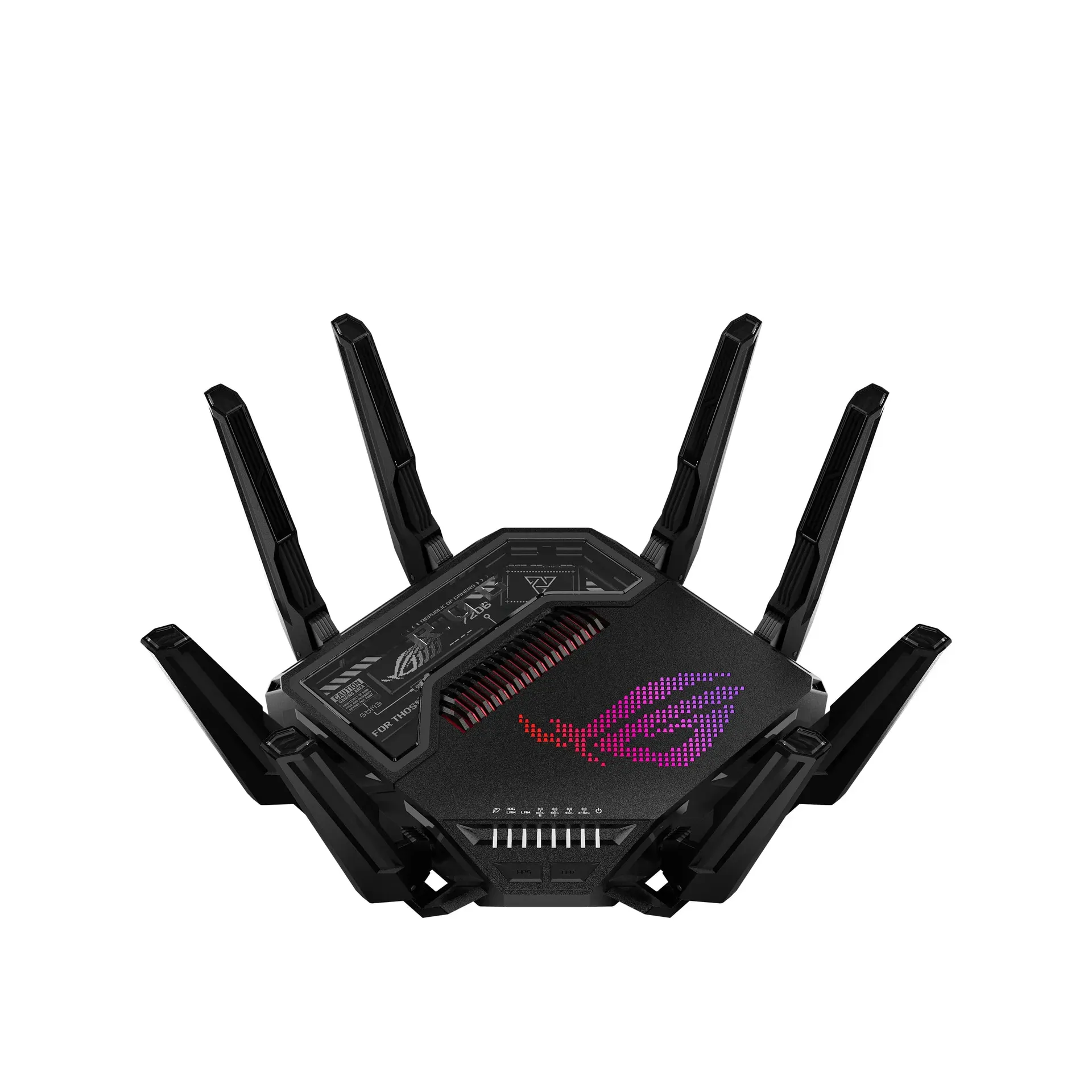
#7. ASUS ROG Rapture GT-BE98 Pro Quad-Band WiFi 7 Gaming Router
Quad-band, dual 10G ports, 30 Gbps total. Complete overkill for almost everyone. Glorious.
Price: $580.99 Rating: 4.2/5 Best For: Hardcore Gamers Check Price on Amazon
This router has more bandwidth than most small businesses. The question isn't whether the GT-BE98 Pro is powerful. The question is whether anything in your house can use a fraction of what it offers. Competitive gamers running a streaming setup while hosting a media server might actually tap into this thing's potential. Everyone else is buying a supercar to drive to the grocery store. The external antennas push signal further than internal designs, and Triple-Level Game Acceleration is real optimization, not marketing fluff. But at $581, the GT-BE98 Pro costs more than most people's monthly car payment. If you know exactly why you need quad-band architecture, buy it. If you're just looking for a great gaming router, the GS-BE12000 at $275 handles 90% of what this does for $306 less.
Pros
- 30 Gbps quad-band speeds -- highest in our lineup
- Dual 10G ports plus four 2.5G ports (31G wired capacity)
- External dual-feeding antennas for maximum coverage
- Triple-Level Game Acceleration from PC to server
- AiProtection Pro security and AiMesh compatibility
Cons
- $580 price is enthusiast-only territory
- Physical size and aesthetic won't blend with all decor
Verdict: Buy if you're a competitive gamer or content creator who needs every possible advantage. Skip if you don't have multi-gig internet and a wired gaming setup.
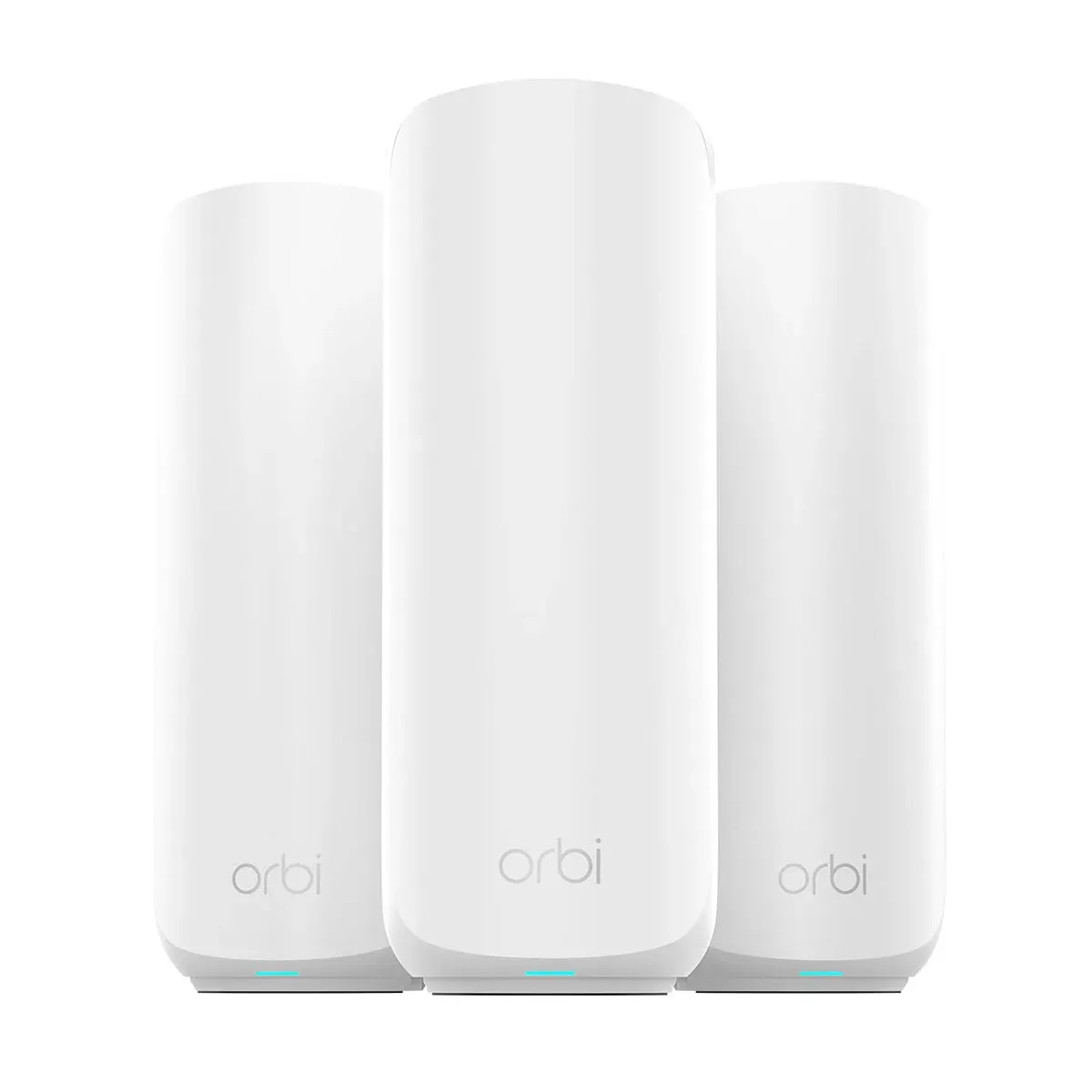
#8. NETGEAR Orbi 370 Series BE5000 WiFi 7 Mesh System (RBE373)
Three units, 6,000 square feet, zero dead zones. Whole-home Wi-Fi 7 without compromise.
Price: $799.00 Rating: 4.2/5 Best For: Large Home Mesh Users Check Price on Amazon
If your home is big enough that a single router can't reach every corner, the Orbi 370 is the only Wi-Fi 7 option on this list that solves the problem completely. Wired backhaul is the feature that matters here. When satellites connect to the router via ethernet instead of wireless, you don't lose throughput to backhaul overhead. That's the difference between a mesh system that works and one that leaves your upstairs office at half speed. At $799, the Orbi 370 costs the same as the Nighthawk RS700S but makes a different bet: coverage over peak speed. Five gigabit-per-second coverage reaching every corner of a sprawling home beats nineteen gigabit-per-second coverage that fades two rooms away. If your home is under 2,500 square feet, buy a single router and pocket the difference.
Pros
- Three units covering 6,000 sq. ft. with seamless roaming
- 2.5G LAN ports on router and both satellites for wired backhaul
- Supports 70 devices simultaneously at Wi-Fi 7 speeds
- Enhanced Backhaul technology for reliable satellite connections
- Built-in security with automatic firmware updates
Cons
- 5 Gbps max speed is lower than standalone routers
- $799 is expensive if you don't need full 6,000 sq. ft. coverage
Verdict: Buy if you have a large home with multiple floors and need consistent coverage everywhere. Skip if your space is under 2,500 sq. ft. -- it's overkill for smaller homes.
#9. D-Link BE9500 Tri-Band Wi-Fi 7 Smart Router (R95)
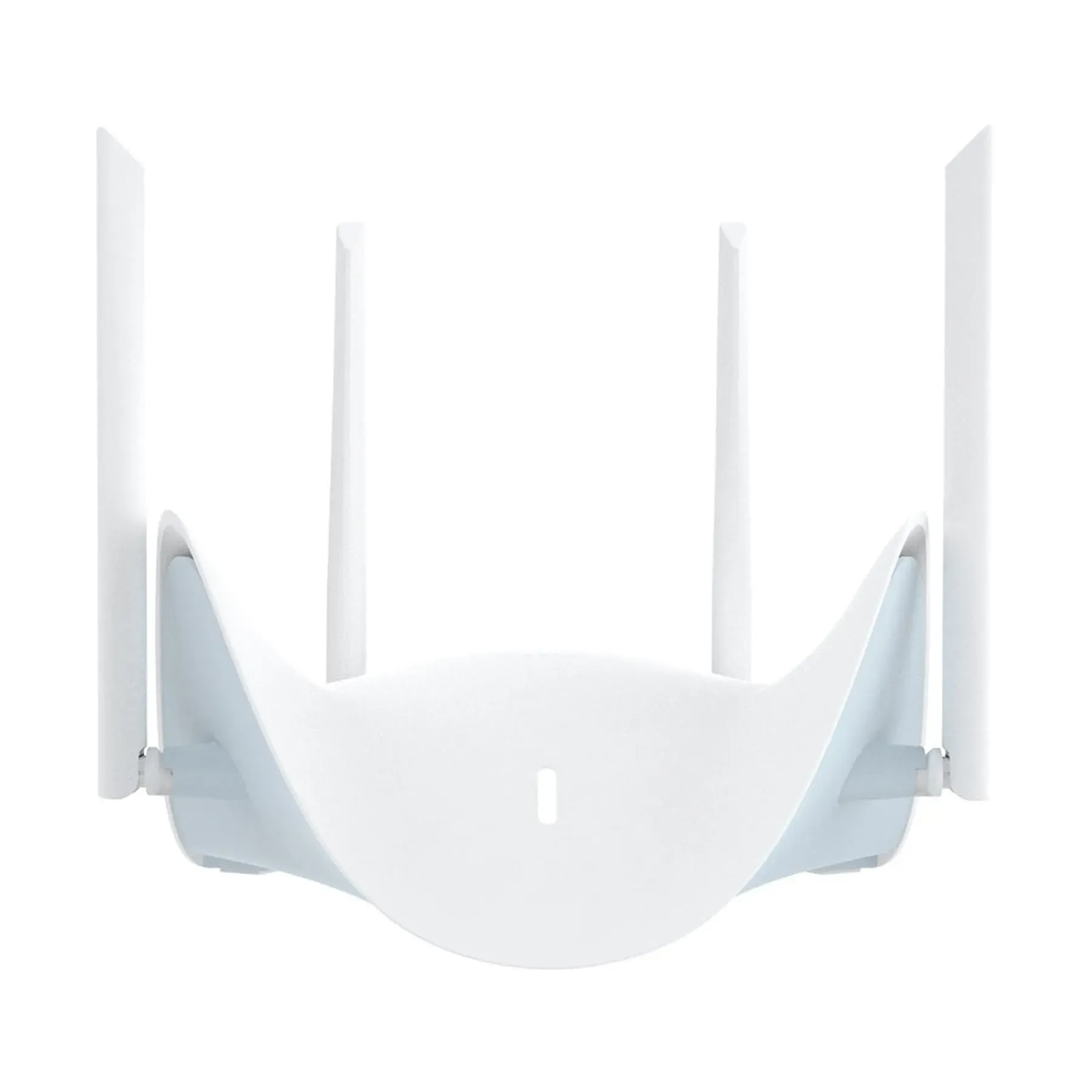
The best-looking router on the list. Solid Wi-Fi 7 hardware in a design you'll actually display.
Price: $269.95 Rating: 3.8/5 Best For: Design-Conscious Users Check Price on Amazon
Most routers are ugly. The R95 is the exception, and D-Link clearly spent design budget alongside engineering budget. The wing-sculpted form with hidden venting actually belongs on a shelf rather than hidden in a closet. The hardware is legitimate: solid multi-gig wired connectivity and tri-band speeds that handle 4K streaming across multiple rooms. The 3.8 rating from only 12 reviews is the red flag. D-Link is still building its Wi-Fi 7 reputation, and early adopters are doing the QA work a larger user base would normally handle. At $270, it competes directly with the Archer BE670, which has a 10G port and thousands of reviews backing its reliability. Buy the R95 if router aesthetics are non-negotiable and you're comfortable with a smaller support ecosystem. Everyone else should grab the BE670.
Pros
- Distinctive wing-sculpted design with hidden venting and cable management
- Four 2.5 GbE ports (three LAN, one WAN)
- BE9500 tri-band speeds up to 9 Gbps
- 320 MHz channels with simultaneous 5/6 GHz transmission
- 4.8x faster than Wi-Fi 6
Cons
- Only 12 reviews -- less proven than TP-Link and ASUS alternatives
- No 10G port at this price point
Verdict: Buy if router aesthetics matter and you need four 2.5G ports. Skip if you want established firmware support or need a 10G WAN port.
#10. TP-Link Archer BE550 Pro Tri-Band BE9700 WiFi 7 Router
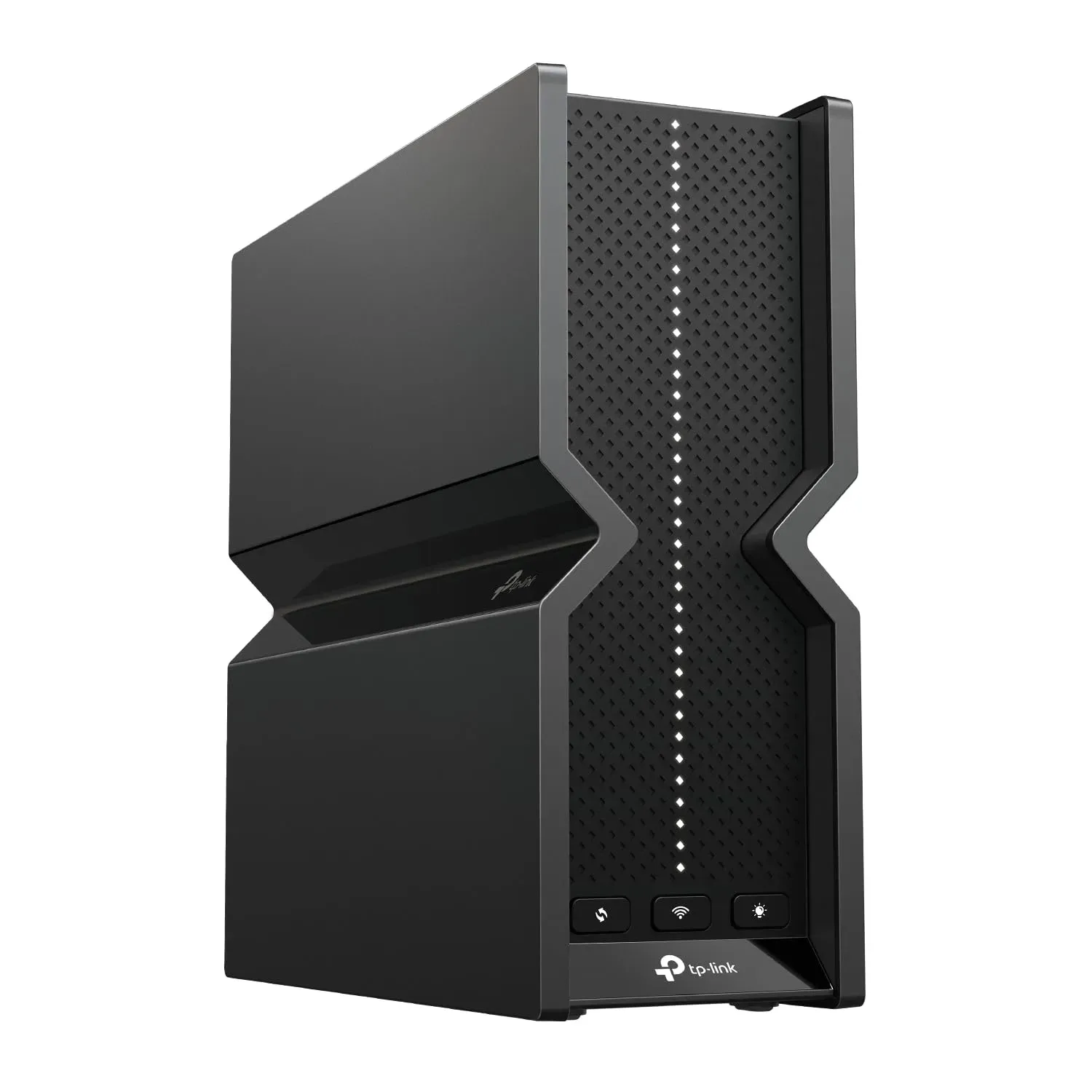
Four 2.5G LAN ports, one 10G WAN, $190. The multi-gig value champion hiding in plain sight.
Price: $189.99 Rating: 4.2/5 Best For: Multi-Gigabit Home Networks Check Price on Amazon
The BE550 Pro is the list's sleeper. At $190, you get more multi-gig wired ports than routers costing twice as much. The tri-band architecture handles 8K streaming without issue, and beamforming directs signal where you actually need it rather than wasting power on empty corners. EasyMesh and HomeShield come standard without subscription fees. The 321 reviews averaging 4.2 confirm the reliability story. The tradeoff is wireless range. The BE550 Pro covers less ground than the BE670 despite similar architecture on paper. If your home is compact and you're building a wired multi-gig network without wanting to spend $400-plus, this is the pick that most buyers overlook. Don't.
Pros
- 10G WAN plus four 2.5G LAN ports -- most extensive multi-gig config under $200
- BE9700 tri-band with 320 MHz 6 GHz channels
- USB 3.0 port for NAS and printer sharing
- EasyMesh compatible for seamless expansion
- HomeShield security with parental controls
Cons
- Range smaller than the Archer BE670 despite similar specs
- No VPN client included for remote access to home network
Verdict: Buy if you have multiple devices needing 2.5G wired connections. Skip if you need maximum wireless range -- step up to the Archer BE670 instead.
How to Choose the Best Wi-Fi Routers 2026
Key Specs to Look For
Wi-Fi 7 brings three upgrades worth caring about. Multi-Link Operation (MLO) lets devices use multiple bands at once instead of hopping between them. That means lower latency and connections that don't drop when you walk from room to room. Look for 320 MHz channel width on the 6 GHz band if you want maximum throughput. 4K-QAM packs data more densely, which helps with newer phones and laptops. And a 10G WAN port matters if you plan to keep this router for three to five years. ISPs are rolling out multi-gig plans faster than most people realize.
Wi-Fi 7 vs. Previous Generations
The jump from Wi-Fi 6 to Wi-Fi 7 matters less for raw speed and more for how networks handle chaos. Wi-Fi 7 delivers roughly 2.4x the speed of Wi-Fi 6, but Multi-RU puncturing and preamble puncturing are the features you'll actually feel. They keep everything responsive when 20-plus devices compete for bandwidth. If you're on Wi-Fi 5, replace your router now. The difference is not subtle. Wi-Fi 6 users with light households can wait, but anyone streaming 8K or using AR/VR should upgrade sooner rather than later.
Price vs. Performance
There's a $670 gap between the cheapest and most expensive router on this list. The Archer BE230 at $129 delivers real Wi-Fi 7 benefits for small homes and apartments. The eero Pro 7 at $199 is the sweet spot for most households. Spending above $400 only makes sense if you need multi-gig wired ports, have 100-plus devices, or game competitively. Gaming routers charge a premium for features like Triple-Level Game Acceleration that casual users simply won't notice.
Brand Reliability
TP-Link dominates with four entries by offering the best price-to-performance ratio across budget and mid-range tiers. ASUS ROG targets gamers with real optimization, not just edgy naming. NETGEAR's Nighthawk and Orbi lines sit at the premium end with excellent coverage and higher prices. Amazon's eero wins on simplicity and warranty support. D-Link is the wildcard with solid hardware but a smaller track record in Wi-Fi 7.
Frequently Asked Questions
Are Wi-Fi routers worth upgrading in 2026?
Yes, if you're on Wi-Fi 5 or have more than 15 devices competing for bandwidth. Wi-Fi 7's Multi-Link Operation and wider channels fix the congestion that makes video calls drop and streams buffer. If you have a solid Wi-Fi 6 router and only a handful of devices, wait until your ISP offers multi-gig speeds.
What's the difference between Wi-Fi routers vs mesh systems?
Traditional routers like the Nighthawk RS700S broadcast from a single point. They work best in smaller homes where the router sits centrally. Mesh systems like the Orbi 370 use multiple nodes to blanket large areas with consistent coverage. For homes over 3,000 square feet or multi-story layouts, mesh is worth the premium. Under 2,500 square feet, a single powerful router usually suffices.
How long do Wi-Fi routers typically last?
Physically, five to seven years. Technologically, three to four. The eero Pro 7's three-year warranty reflects realistic expectations. Replace your router when it can't handle your current internet speed or starts dropping connections with newer devices, regardless of age.
What are the best Wi-Fi routers for gaming 2026?
The ASUS ROG Strix GS-BE12000 and ROG Rapture GT-BE98 Pro lead for gaming with Triple-Level Game Acceleration, dedicated gaming ports, and protocol-level optimizations that reduce latency. The Nighthawk RS700S also performs excellently for gaming but lacks the gaming-specific firmware optimization of ASUS ROG models.
Which Wi-Fi routers have the longest range?
The NETGEAR Nighthawk RS700S covers 3,500 square feet from a single unit with external high-performance antennas. For even larger spaces, the Orbi 370 Series extends to 6,000 square feet using three mesh nodes. Beamforming technology in all modern routers focuses signals toward devices rather than broadcasting in all directions, improving effective range significantly.
Final Verdict
The Amazon eero Pro 7 takes the top spot because it makes Wi-Fi 7 genuinely accessible. $199 for next-gen speeds with a three-year warranty and dead-simple setup is hard to argue with. The NETGEAR Nighthawk RS700S remains the performance pick for power users who need 19 Gbps and 10G ports. Budget buyers should grab the TP-Link Archer BE230 at $129 and enjoy Wi-Fi 7 without the financial sting.
Any router on this list eliminates the buffering, dead zones, and congestion that make aging networks frustrating. Prices move around. Check current deals before buying.