Top 10 Best Tablets of 2026: Ranked & Reviewed
We found the $89 tablet that handles Netflix better than $800 alternatives, and the $1,199 iPad Pro that actually earns its price. See which made #1.
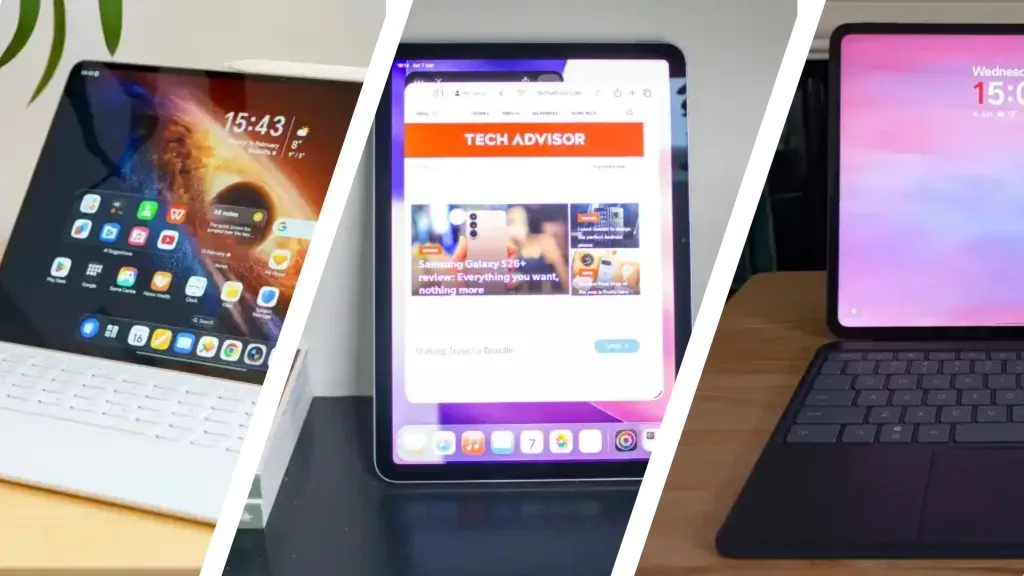
Choosing the right tablet in 2026 feels impossible when every manufacturer claims their slab is pro-grade or all-day capable. Most buyers overspend on power they will never tap, while others cheap out and regret the lag within months.
This list cuts through the noise, ranking ten tablets actually worth your money. From the $89 Fire HD 8 that handles Kindle and Netflix without apology, to the iPad Pro M5 that genuinely replaces a laptop for video editors, you will find Android flagships that outperform their price tags, Windows hybrids for Excel warriors, and Apple options at three distinct price tiers.
The iPad Pro 13-inch M5 sits at #1 not because it is expensive, but because it is the only tablet that truly justifies four figures.
Quick Comparison Table
| # | Product | Price | Rating | |
|---|---|---|---|---|
| #1 | Apple iPad Pro 13-inch (M5) | $1,199 | 4.8/5 | View Deal |
| #2 | Apple iPad Air 11-inch (M4) | $749 | 4.8/5 | View Deal |
| #3 | Samsung Galaxy Tab S10 Lite | $305.99 | 4.8/5 | View Deal |
| #4 | Samsung Galaxy Tab S11 | $649.99 | 4.7/5 | View Deal |
| #5 | OnePlus Pad 3 | $799 | 4.6/5 | View Deal |
| #6 | Amazon Fire HD 10 | $149 | 4.5/5 | View Deal |
| #7 | Amazon Fire HD 8 | $89 | 4.5/5 | View Deal |
| #8 | Xiaomi Pad 7 Pro | $499.50 | 4.5/5 | View Deal |
| #9 | Microsoft Surface Pro | $949.96 | 4.3/5 | View Deal |
| #10 | Lenovo Idea Tab Pro | $810 | 4.7/5 | View Deal |
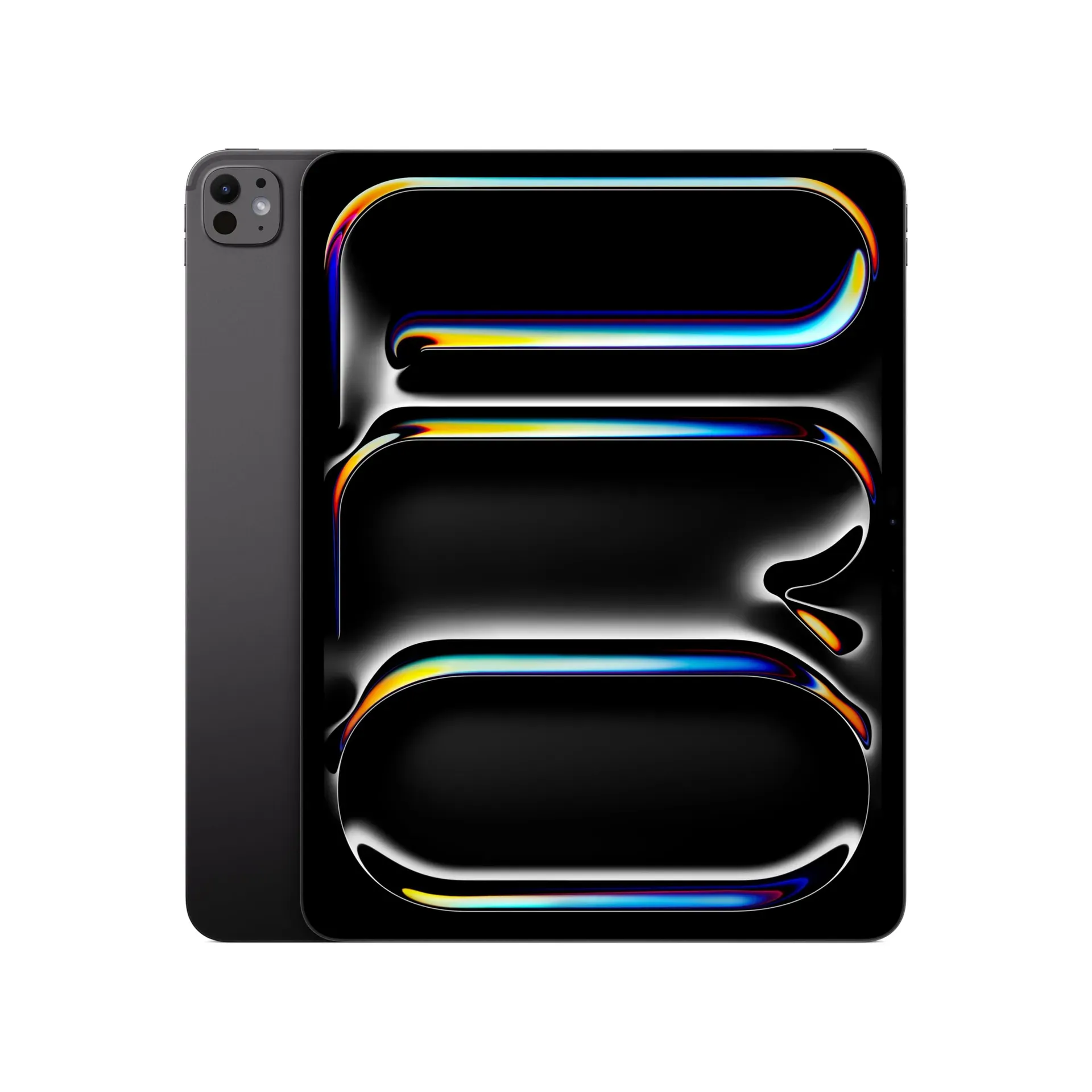
#1. Apple iPad Pro 13-inch (M5)
The only tablet that genuinely replaces a laptop for creative professionals who need color accuracy and raw power.
Price: $1,199 Rating: 4.8/5 Best For: Creative Professionals Check Price on Amazon
Nobody else comes close. The M5 iPad Pro's Ultra Retina XDR display outperforms most $3,000 studio monitors, with color accuracy that professionals actually notice. The Neural Accelerators in the M5 chip handle AI workloads that would choke laptops from two years ago. At $1,199, it costs nearly four times what the Galaxy Tab S10 Lite asks, but the gap in display quality and processing headroom is massive. This is not a toy for Netflix. It exists for video editors color-grading HDR on trains, architects rendering 3D models in real-time, and illustrators who can spot a half-Pantone shift. Everything else on this list chases this benchmark.
Pros
- Apple M5 chip with Neural Accelerators for on-device AI processing
- 13-inch Ultra Retina XDR display with ProMotion, P3 wide color, and True Tone
- 16GB memory with storage options up to 2TB
- Wi-Fi 7 with Apple N1 chip for ultra-fast wireless transfers
- Face ID and four-speaker audio system
- Supports Apple Pencil Pro and Magic Keyboard
Cons
- Price tag approaches laptop territory for casual users
- No expandable storage via microSD card
- Magic Keyboard and Apple Pencil Pro sold separately, adding significant cost
Verdict: Buy if you are a creative professional who needs portable desktop-class power. Skip if you primarily stream video and browse the web. The iPad Air handles that for $450 less.
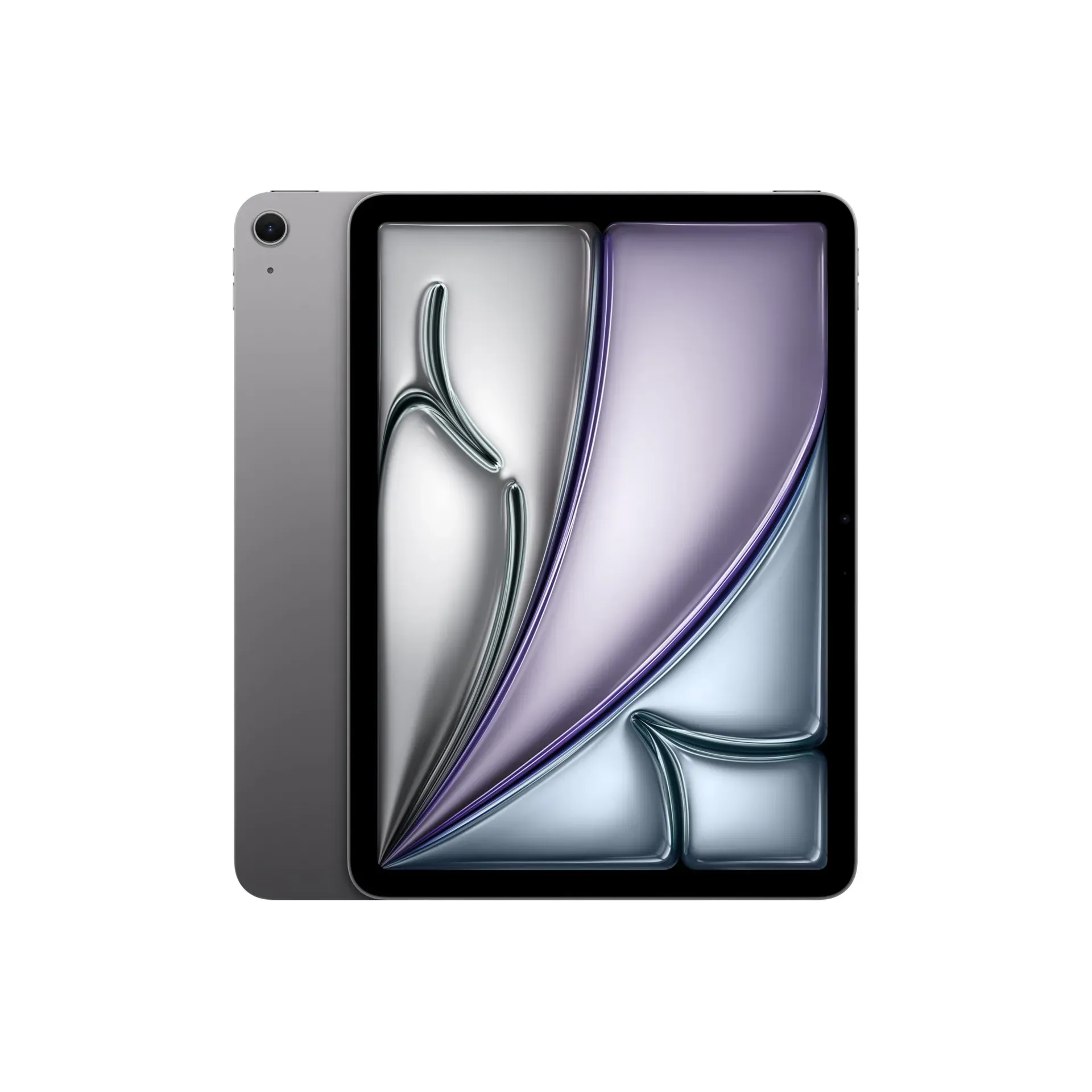
#2. Apple iPad Air 11-inch (M4)
Pro-level performance at a mid-tier price, making it the smartest choice for most buyers.
Price: $749 Rating: 4.8/5 Best For: Everyday Users Check Price on Amazon
Most people eyeing the iPad Pro should buy this instead. The M4 chip runs the same creative apps, edits 4K video, and multitasks with the same fluidity as its pricier sibling. You sacrifice the XDR display's extreme brightness for an 11-inch screen, but the Liquid Retina panel still covers the P3 color gamut. Touch ID in the power button feels faster than Face ID in many situations, and the 12MP Center Stage camera keeps you framed during Zoom calls. Compared to the Samsung Galaxy Tab S11, you get tighter iOS app optimization, though Samsung includes an S Pen while Apple's Pencil costs extra.
Pros
- Apple M4 chip handles demanding creative workflows efficiently
- 11-inch Liquid Retina display with P3 wide color and True Tone
- Wi-Fi 7 with Apple N1 chip for fast connectivity
- 12MP Center Stage front camera with Touch ID authentication
- Supports Apple Pencil Pro and Magic Keyboard
- 128GB to 1TB storage options
Cons
- 60Hz refresh rate instead of 120Hz ProMotion on Pro models
- Apple Pencil Pro and Magic Keyboard sold separately
- No Face ID or ultra-wide camera features
Verdict: The sweet spot for students, professionals, and anyone who wants flagship performance without the Pro price premium.
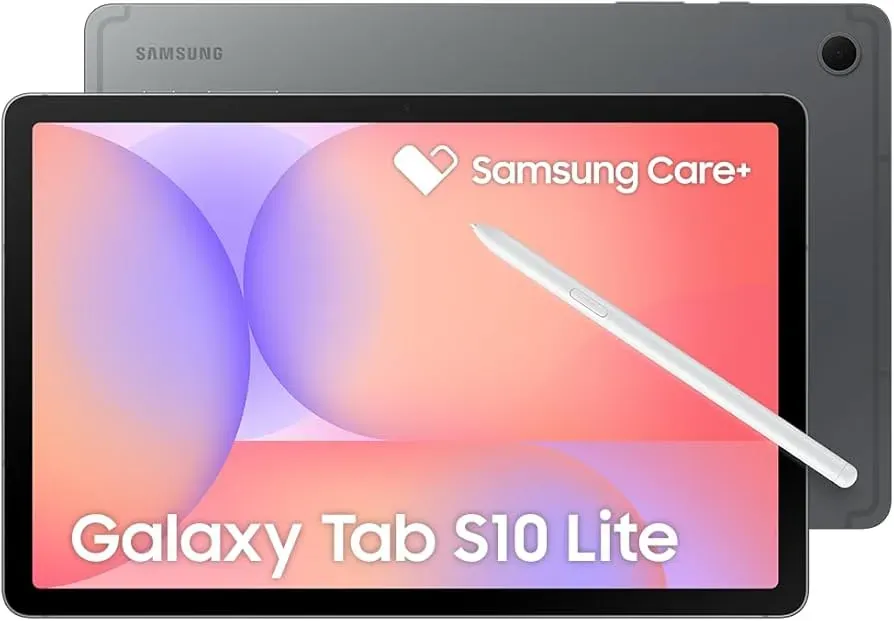
#3. Samsung Galaxy Tab S10 Lite
A near-perfect user rating and included S Pen make this the best value in Android tablets.
Price: $305.99 Rating: 4.8/5 Best For: Budget Note-Taking Check Price on Amazon
Three hundred dollars should not buy a tablet this competent. The Tab S10 Lite ships with an S Pen in the box, featuring 4,096 pressure levels that feel like writing on paper. That alone makes it a steal compared to the iPad Air, which forces you to shell out another $129 for comparable stylus input. The 10.9-inch 90Hz display is not OLED, but the high refresh rate keeps scrolling smoother than the 60Hz panels on base iPads. The Exynos 1380 processor will not win benchmarks against the Snapdragon 8 Elite in the OnePlus Pad 3, yet it handles note-taking, streaming, and light productivity without stuttering. For students needing digital handwriting on a budget, nothing else comes close.
Pros
- Included S Pen with 4,096 pressure sensitivity levels
- 10.9-inch 90Hz WUXGA+ LCD display for smooth scrolling
- 8,000mAh battery with all-day endurance
- Exynos 1380 processor with 6GB RAM for everyday tasks
- 128GB storage expandable via microSD
- Android 15 with Samsung One UI and long-term update support
Cons
- LCD display lacks the deep blacks of AMOLED panels
- Processor struggles with demanding 3D games and heavy multitasking
- No desktop-style DeX multitasking found on higher-end Samsung tablets
Verdict: Perfect for students and note-takers who want premium stylus functionality without the premium price. Skip if you need heavy gaming performance.
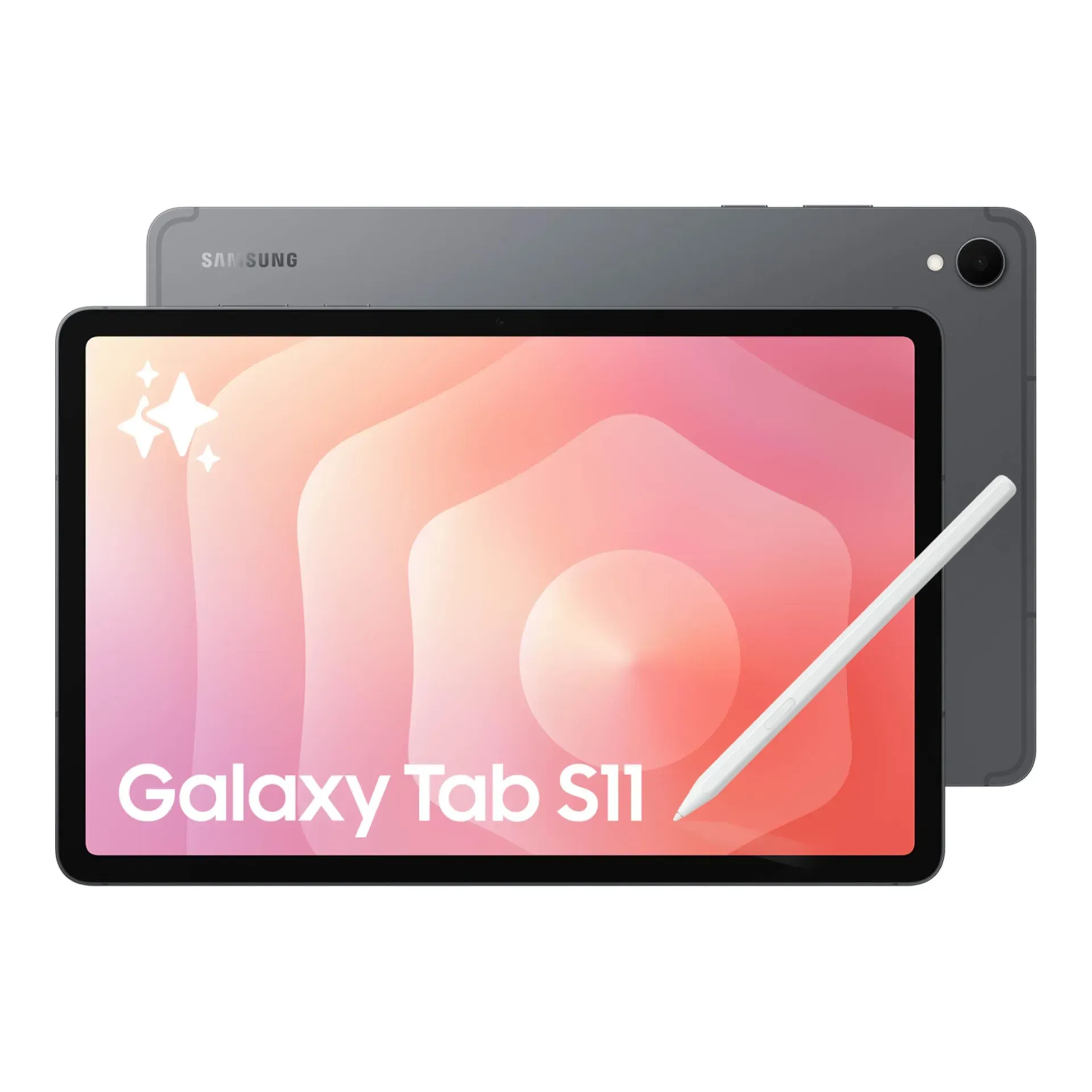
#4. Samsung Galaxy Tab S11
The best Android tablet for productivity with a gorgeous AMOLED display and AI-powered S Pen.
Price: $649.99 Rating: 4.7/5 Best For: Premium Android Users Check Price on Amazon
Samsung finally built an Android tablet that does not feel like a compromise. The 11-inch Dynamic AMOLED 2X display delivers contrast ratios the iPad Air's LCD simply cannot match, with blacks that actually look black and Vision Booster technology keeping content visible in direct sunlight. Twelve gigabytes of RAM means you can keep thirty Chrome tabs open alongside Photoshop without aggressive app-killing that plagues 6GB tablets like the Tab S10 Lite. The S Pen now leverages Galaxy AI to transform handwriting into formatted notes and rough sketches into polished illustrations. Unlike the OnePlus Pad 3, this carries an IP68 rating, meaning coffee spills and bathtub drops will not kill your investment.
Pros
- 11-inch Dynamic AMOLED 2X display with Vision Booster technology
- 12GB RAM for seamless multitasking across dozens of apps
- Included S Pen with Galaxy AI features (Note Assist, Drawing Assist)
- IP68 water and dust resistance rating
- microSD expandable storage
- Wi-Fi 7 connectivity
Cons
- Smaller battery than the OnePlus Pad 3 requires more frequent charging
- Samsung One UI can feel bloated with pre-installed apps
- Price approaches iPad territory without matching Apple's app ecosystem optimization
Verdict: The definitive Android choice for productivity-focused users who prioritize display quality and multitasking over gaming performance.
#5. OnePlus Pad 3
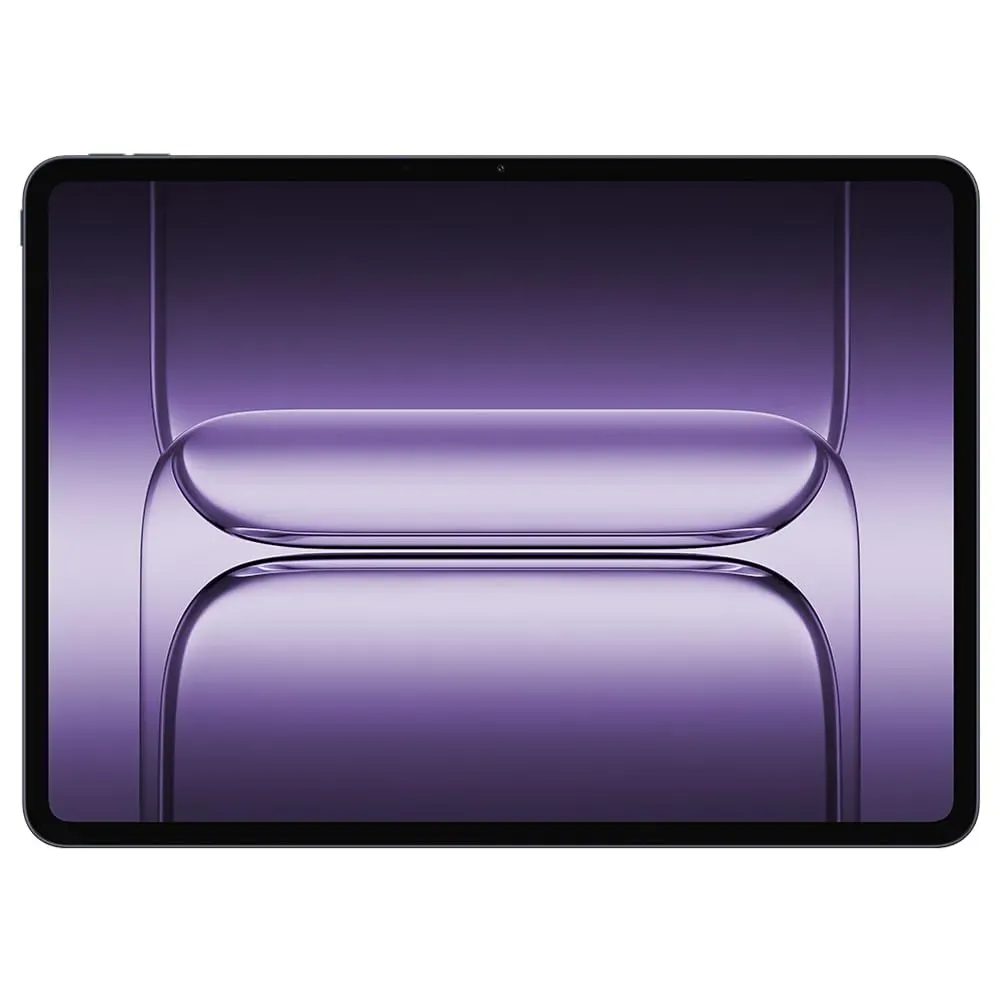
A massive 13.2-inch 144Hz display and elite battery tech make this the streaming and gaming champion.
Price: $799 Rating: 4.6/5 Best For: Multimedia Enthusiasts Check Price on Amazon
Nobody else is building tablets like this. The OnePlus Pad 3's 13.2-inch 3.4K display dwarfs the iPad Pro's 13-inch panel while refreshing at 144Hz, and the Snapdragon 8 Elite chipset pushes frame rates that would make the Galaxy Tab S10 Lite choke. Where it truly separates from the pack is battery technology: the 12,140mAh cell lasts days, not hours, and 80W SUPERVOOC charging fills it faster than any competitor. Eight speakers with Dolby Atmos create a surround-sound bubble that adapts to your grip. It is thicker than the Lenovo Idea Tab Pro at 5.97mm, but that extra space houses serious audio hardware and thermal management.
Pros
- 13.2-inch 3.4K LCD display with 144Hz refresh rate
- Snapdragon 8 Elite chipset with up to 12GB RAM
- 12,140mAh battery with 80W SUPERVOOC fast charging
- Eight-speaker stereo system with Dolby Atmos
- Open Canvas multitasking on OxygenOS 15
- Slim 5.97mm aluminum chassis
Cons
- No included stylus; must purchase separately unlike Samsung's Tab S11
- Display brightness falls short of AMOLED competitors in direct sunlight
- OxygenOS lacks the polish and update longevity of iPadOS or Samsung's One UI
Verdict: Ideal for media addicts and mobile gamers who prioritize screen size and battery life over stylus support and brand ecosystem.
#6. Amazon Fire HD 10
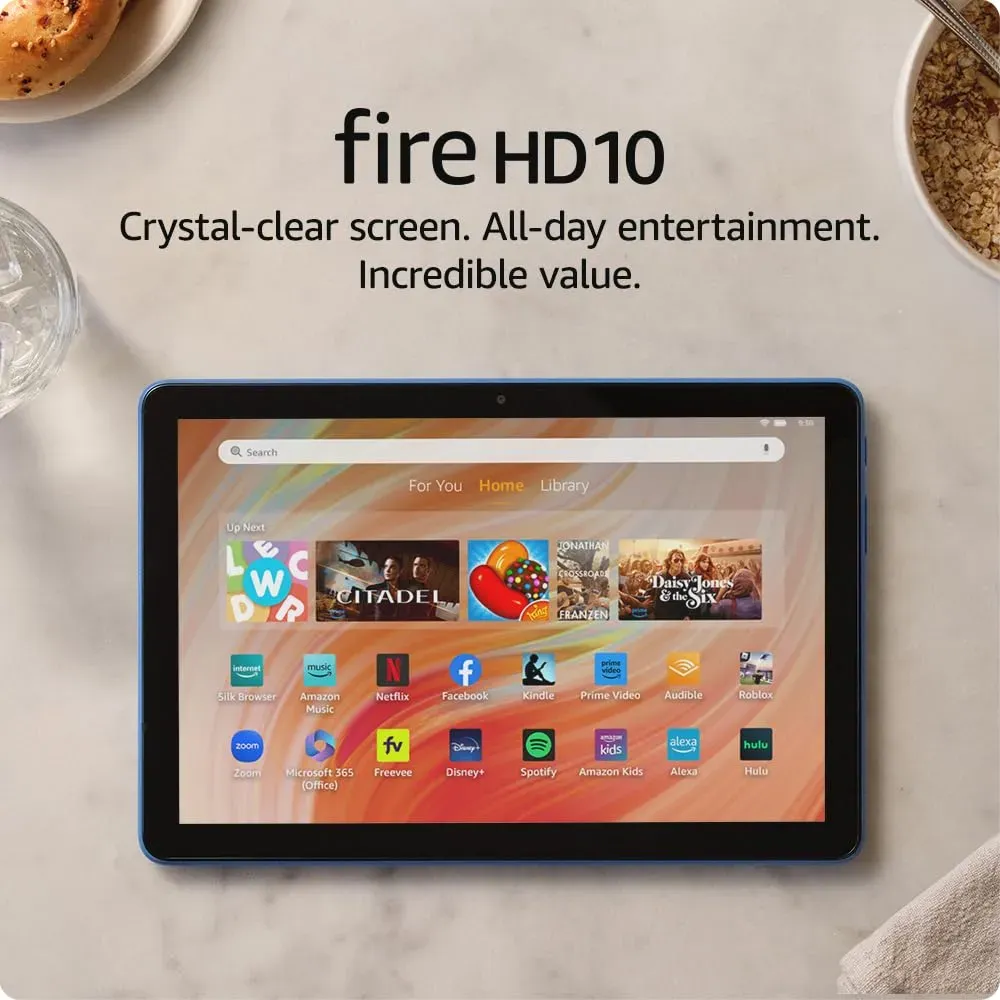
Unbeatable value at $149 with a 1080p display and 13-hour battery life backed by 42,000+ positive reviews.
Price: $149 Rating: 4.5/5 Best For: Budget Media Consumers Check Price on Amazon
Amazon figured out what most tablet buyers actually do: watch Netflix, read Kindle books, and occasionally video chat. The Fire HD 10 delivers exactly that for the price of a nice dinner. Its 10.1-inch 1080p display is sharp enough for movies, and the hexa-core processor with 3GB RAM feels surprisingly snappy for streaming despite costing one-fifth of the iPad Air. The aluminosilicate glass survives drops better than the Galaxy Tab S10 Lite according to tumble testing, and integration with Prime Video, Kindle, and Alexa means the ecosystem works immediately. Yes, it is locked to Amazon's Appstore with fewer apps than Google Play, but Netflix, Spotify, and all major streaming services run fine.
Pros
- 10.1-inch 1080p Full HD display with vibrant colors
- 25% faster performance than previous generation with 3GB RAM
- 13-hour battery life for all-day entertainment
- 32/64GB storage expandable up to 1TB via microSD
- 5MP front and rear cameras for video calls
- Durable aluminosilicate glass construction
Cons
- Limited to Amazon Appstore instead of Google Play Store
- Made for Amazon Stylus Pen sold separately, unlike included S Pen on Samsung tablets
- Display quality and color accuracy lag behind mid-range competitors
Verdict: The obvious choice for casual media consumption, kids, or anyone who refuses to spend iPad money for basic tablet tasks.
#7. Amazon Fire HD 8
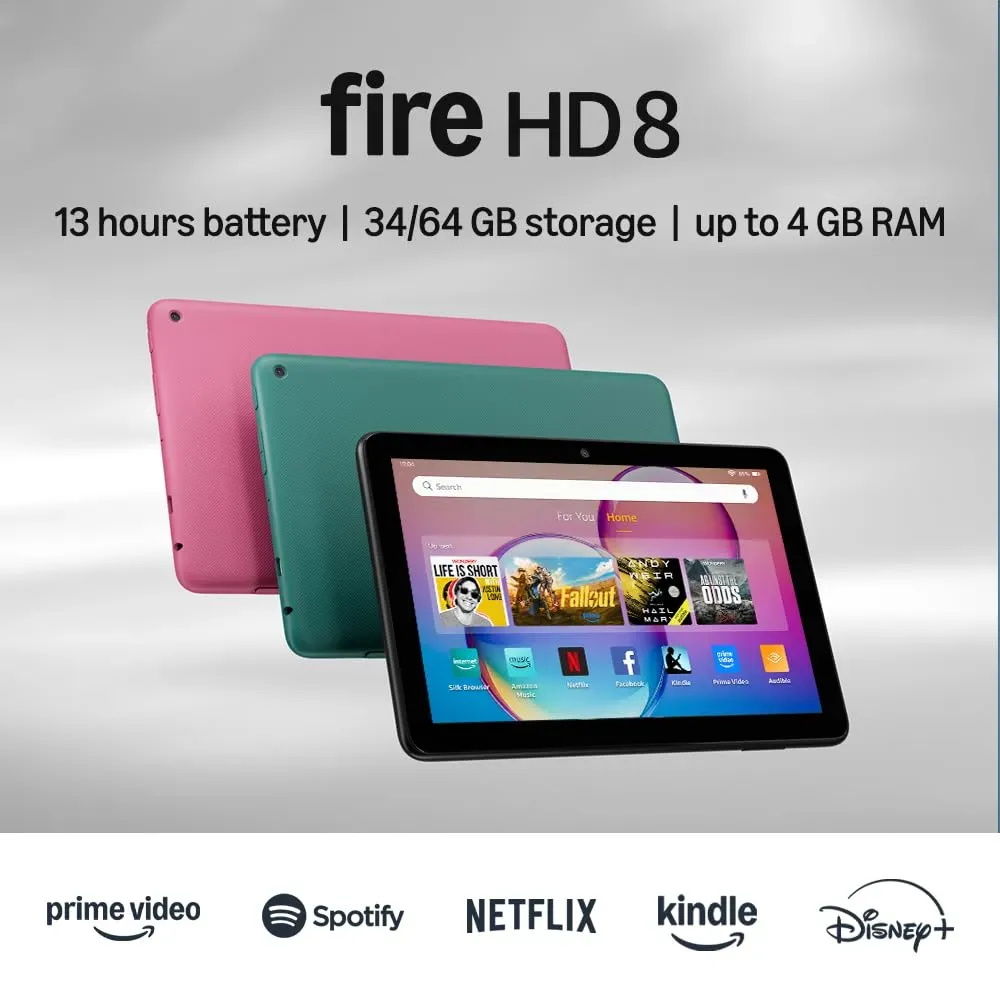
Quality tablet experience starts at just $89 with double the RAM of its predecessor and a 13-hour battery.
Price: $89 Rating: 4.5/5 Best For: Budget Buyers Check Price on Amazon
Eighty-nine dollars buys you either a mediocre dinner or a fully functional tablet that handles the essentials without frustration. The Fire HD 8's hexa-core processor paired with 4GB of RAM keeps navigation smooth enough that you will not throw it across the room in disgust. Its 8-inch form factor fits jacket pockets and small bags better than the 10-inch Fire HD 10, making it ideal for commuters who read during transit. Amazon Kids mode transforms it into a child-proofed entertainment center with robust parental controls, and the microSD slot accepts cards up to 1TB for offline content hoarding. Do not expect it to run demanding games or creative apps. The Xiaomi Pad 7 Pro costs six times more for a reason.
Pros
- 8-inch HD display with enhanced brightness for portable use
- Up to 4GB RAM (2X more than 2022 release) for smoother performance
- 64GB storage expandable up to 1TB via microSD
- Up to 13 hours battery life for all-day use
- 5MP rear camera for basic photography
- Robust Amazon Kids parental controls included
Cons
- Smaller 8-inch screen limits video multitasking potential
- Charging speed is slower than modern tablets with fast-charging support
- Locked ecosystem limits app availability compared to standard Android
Verdict: The ultimate budget entry point for kids, casual readers, or anyone needing basic tablet functionality at impulse-buy pricing.
#8. Xiaomi Pad 7 Pro
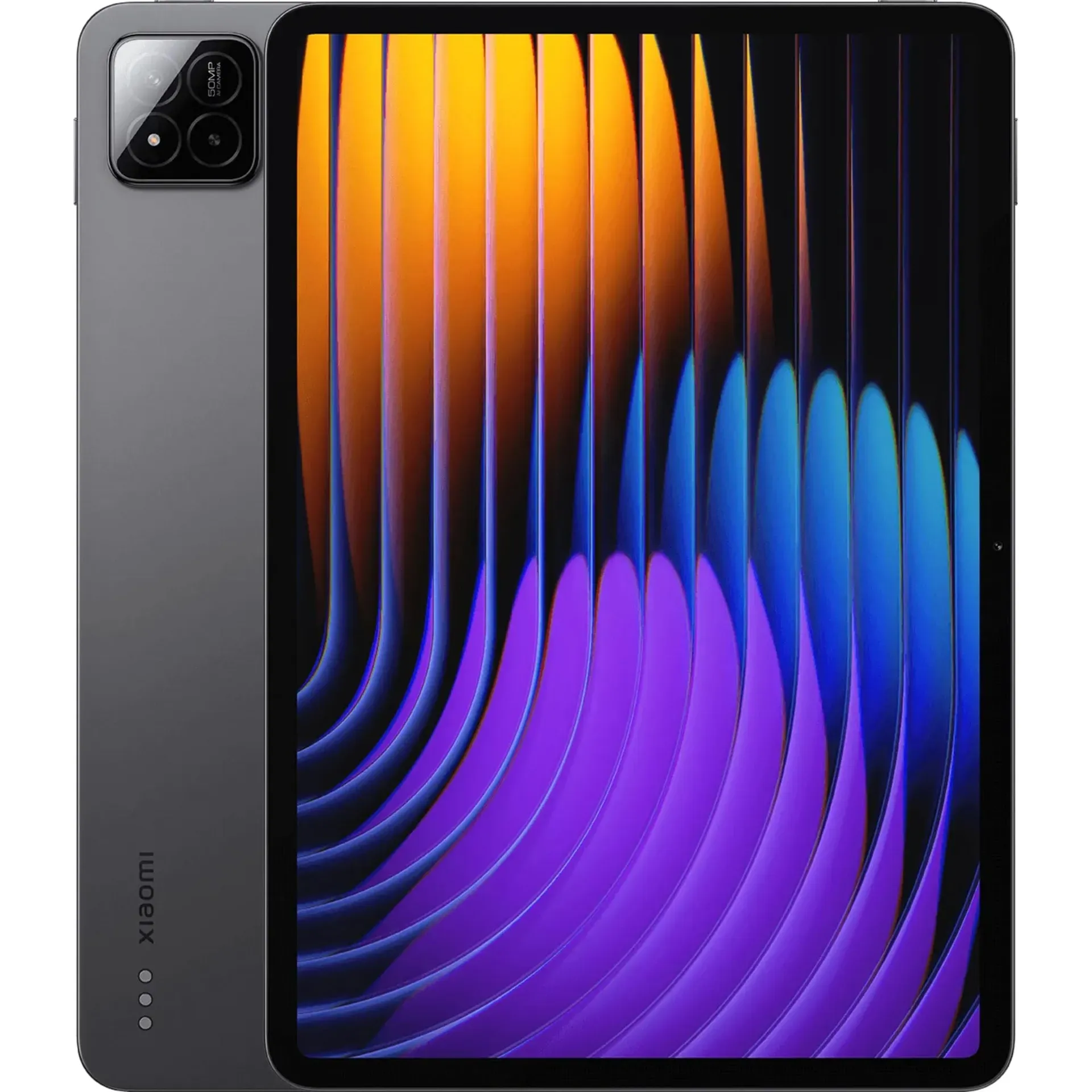
Flagship-level Snapdragon 8s Gen 3 performance at a mid-range price with an exceptional 144Hz 3.2K display.
Price: $499.50 Rating: 4.5/5 Best For: Performance Seekers Check Price on Amazon
Xiaomi built a flagship killer and priced it like a budget tablet. The Pad 7 Pro's Snapdragon 8s Gen 3 processor, manufactured on a cutting-edge 4nm process, delivers benchmark scores that embarrass the Exynos chip in the Tab S10 Lite costing $200 less. Its 11.2-inch 3.2K display matches the OnePlus Pad 3's 144Hz refresh rate in a more portable form factor, and the 345 ppi density makes text razor-sharp. The camera system outshines typical tablet fare with a 50MP rear sensor for document scanning and a 32MP front camera for crisp Teams calls. At roughly half the cost of the iPad Air, you sacrifice iOS app optimization and build quality but gain superior raw performance and higher refresh rates.
Pros
- 11.2-inch 3.2K display with 144Hz refresh rate and 345 ppi
- Snapdragon 8s Gen 3 mobile platform (4nm, up to 3.0GHz)
- 50MP rear camera and 32MP front camera for high-quality imaging
- 8,850mAh battery with 45W turbo charging
- Side fingerprint sensor for convenient security
- Wi-Fi 6E and Bluetooth 5.4 connectivity
Cons
- Limited availability and customer support in some regions
- MIUI software experience feels less polished than Samsung One UI or iPadOS
- No water resistance rating or premium build materials
Verdict: Perfect for power users and mobile gamers who prioritize raw specs and performance over brand recognition and ecosystem polish.
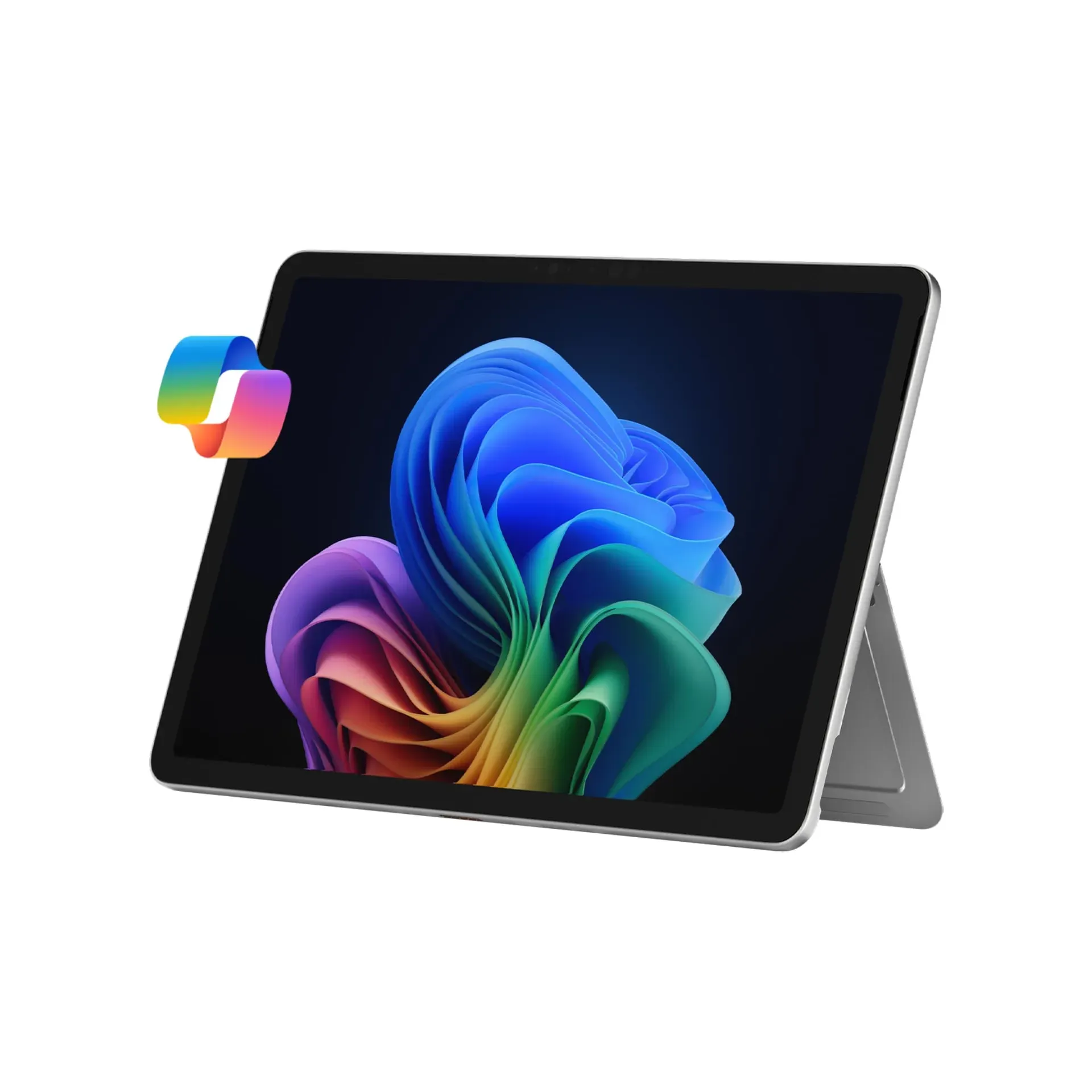
#9. Microsoft Surface Pro
The only true Windows desktop replacement in a tablet form factor, built for Excel warriors and PowerPoint architects.
Price: $949.96 Rating: 4.3/5 Best For: Business Professionals Check Price on Amazon
Every other tablet on this list runs mobile operating systems designed for consumption first. The Surface Pro runs full Windows 11 with Copilot+ AI assistance, meaning you can open Excel macros, run legacy accounting software, and connect to corporate VPNs exactly like a laptop. The Snapdragon X Plus processor brings 45 TOPS of AI compute for real-time meeting transcription, while the 12-inch PixelSense display offers touch precision for digital inking. The built-in kickstand props the device at any angle for typing or presenting, something the iPad Pro's Magic Keyboard cannot replicate without accessories. At $950, it costs more than the Galaxy Tab S11 but delivers actual desktop productivity software compatibility that Android and iPadOS cannot match.
Pros
- Copilot+ PC with built-in AI tools and 45 TOPS AI engine
- Snapdragon X Plus processor for desktop-class performance
- 12-inch PixelSense touchscreen display with precise inking
- Up to 16 hours battery life for all-day work
- 2-in-1 design with built-in adjustable kickstand
- Full Windows 11 with desktop productivity software compatibility
Cons
- Surface Pro Keyboard sold separately, adding $280+ to the total cost
- App compatibility issues with some legacy x86 Windows applications
- Heavier and bulkier than dedicated tablets like the iPad Air
Verdict: Essential for business professionals who need full Excel, PowerPoint, and enterprise software on a portable touchscreen device. Skip for casual media consumption.
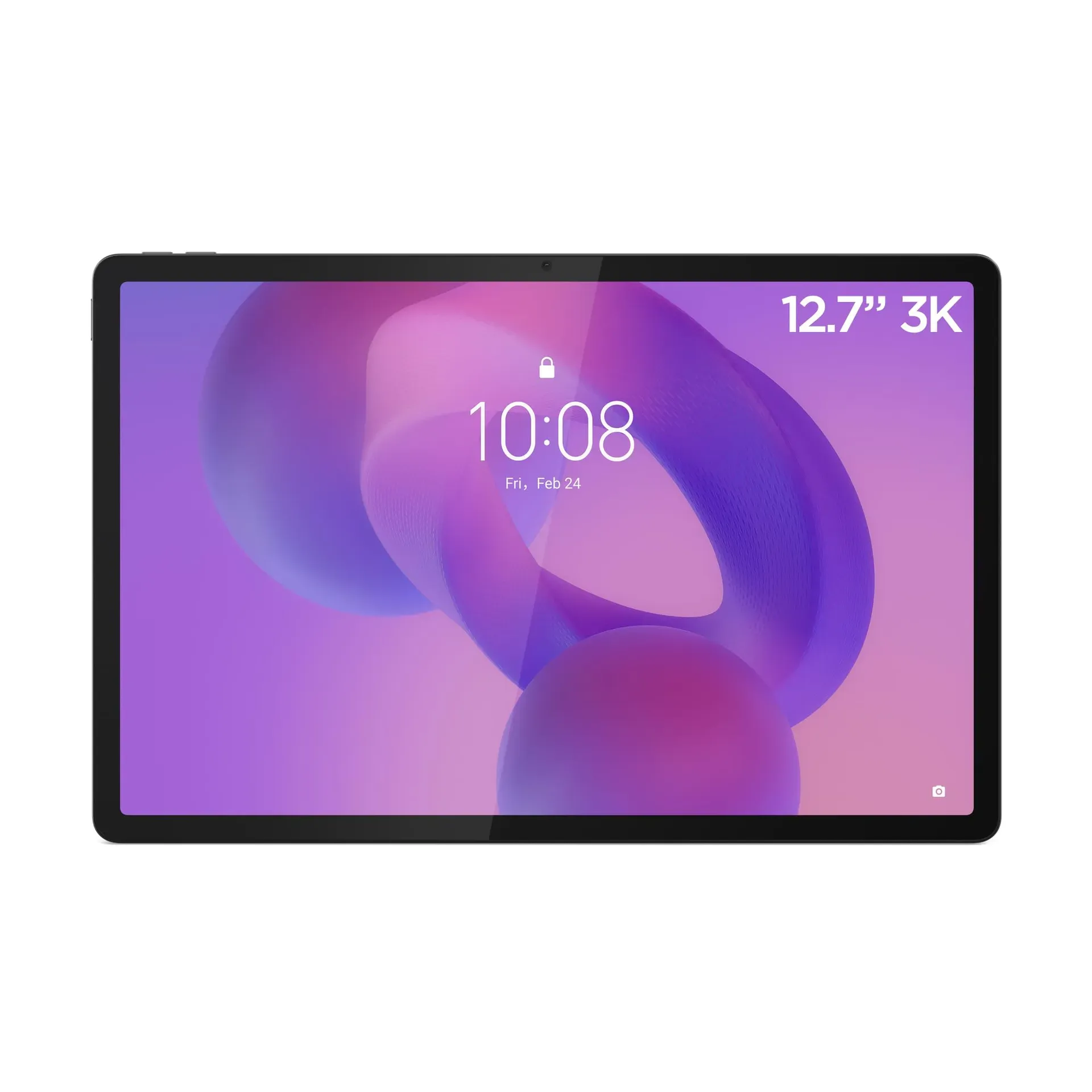
#10. Lenovo Idea Tab Pro
A massive 12.7-inch 144Hz display and JBL speakers with Dolby Atmos make this the media lover's dark horse.
Price: $810 Rating: 4.7/5 Best For: Media Consumers Check Price on Amazon
Lenovo quietly built one of the best large-format Android tablets, pricing it to undercut the OnePlus Pad 3 by $11 despite similar specifications. The Idea Tab Pro's 12.7-inch 3K IPS display stretches nearly to the edges of its slim 6.9mm metal chassis, delivering 144Hz smoothness that makes scrolling through long documents feel effortless. Four JBL speakers tuned with Dolby Atmos create a soundstage rivaling small Bluetooth speakers, easily outclassing the dual-speaker setups on budget Fire tablets. Google Gemini AI optimization handles multitasking assistance, while the 10,200mAh battery matches the OnePlus for endurance. It lacks the OnePlus's 80W charging speed and the Samsung Tab S11's AMOLED contrast, but delivers a premium media experience for less than either competitor.
Pros
- 12.7-inch 3K IPS display with 144Hz refresh rate
- MediaTek Dimensity 8300 with AI optimization via Google Gemini
- Four JBL speakers with Dolby Atmos for premium audio
- 10,200mAh battery with fast charging support
- Lenovo Share Hub for wireless file transfer between devices
- Wi-Fi 6E and Bluetooth 5.3 connectivity in a thin 6.9mm metal body
Cons
- Charging speed slower than OnePlus Pad 3's 80W SUPERVOOC
- IPS display lacks the deep blacks and contrast of AMOLED alternatives
- Limited stylus ecosystem compared to Apple Pencil or Samsung S Pen
Verdict: A compelling choice for media lovers who want a large, high-quality display and excellent audio without paying flagship prices. Great for movie watching and casual productivity.
How to Choose the Best Tablet
Key Specs That Actually Matter
Stop obsessing over processor clock speeds. For most users, 6GB of RAM determines whether your tablet stays smooth or starts stuttering when you switch between apps. Display quality matters more than resolution. A 120Hz or 144Hz refresh rate transforms scrolling from choppy to buttery, while OLED or AMOLED panels deliver contrast that LCD screens simply cannot match. Storage is negotiable since most tablets accept microSD cards, except iPads which lock you into your initial purchase. If you are drawing or note-taking, pressure sensitivity levels on active styluses range from basic (1,024) to professional-grade (4,096).
Price vs. Value Breakpoints
Under $150, you are choosing between the Fire HD 8 and Fire HD 10, fine for streaming and reading, but do not expect gaming or creative work. The $300-$500 range is where tablets get interesting: the Galaxy Tab S10 Lite and Xiaomi Pad 7 Pro deliver flagship features like high-refresh displays and included styluses. Spend $650-$800 for the Galaxy Tab S11 or iPad Air if you need serious multitasking and app optimization. Above $1,000, you are paying for the iPad Pro's professional-grade display or the Surface Pro's full Windows desktop replacement capabilities.
Brand Ecosystem Reality Check
Apple's iPad ecosystem offers the most polished app selection and longest software support, but locks you into expensive accessories. Samsung provides the best Android experience with DeX desktop mode and included S Pens across most models. Amazon's Fire tablets work brilliantly within Prime ecosystems but frustrate anyone wanting Google Play apps. OnePlus and Xiaomi deliver exceptional hardware value but shorter update windows. Microsoft stands alone for business users needing true desktop applications, while Lenovo offers sleeper hits for media consumption.
Frequently Asked Questions
What's the best tablet for students on a budget?
The Samsung Galaxy Tab S10 Lite (#3) offers unbeatable value with its included S Pen and 4.8/5 user rating at just $306. For those willing to spend more, the iPad Air (#2) provides superior app optimization and performance that will last through four years of classes.
Are expensive tablets worth the premium over budget options?
It depends entirely on your workload. The iPad Pro (#1) justifies its $1,199 price only for creative professionals who need color-accurate displays and desktop-class video editing; for Netflix and web browsing, the Fire HD 10 (#6) delivers 80% of the experience at 12% of the cost.
How long do tablets typically last before needing replacement?
Quality tablets from Apple and Samsung receive software updates for 5-6 years, while budget Amazon Fire tablets may slow down after 3-4 years. The limiting factor is usually battery degradation rather than processing power. Most modern tablets remain functional for casual use well beyond their update expiration dates.
Can Android tablets actually replace laptops for productivity?
The Samsung Galaxy Tab S11 (#4) and its DeX mode come closest among Android devices, offering windowed multitasking and keyboard support. However, only the Microsoft Surface Pro (#9) runs full Windows 11 and handles complex Excel macros or legacy business software that Android simply cannot execute.
What's the best tablet for drawing and digital note-taking?
Creative professionals should invest in the iPad Pro (#1) with Apple Pencil Pro for its industry-leading latency and pressure sensitivity. For students and casual note-takers, the Samsung Galaxy Tab S10 Lite (#3) includes an excellent S Pen at a fraction of the cost.
Final Verdict
The iPad Pro 13-inch M5 earns its #1 ranking by delivering the only tablet experience that genuinely rivals professional workstations, with a display and processor that justify every dollar for creative professionals. Most buyers will find the iPad Air (#2) hits the perfect balance of performance and price, while the Galaxy Tab S10 Lite (#3) proves that excellent digital handwriting does not require emptying your savings account. Whether you choose the multimedia powerhouse OnePlus Pad 3, the business-focused Surface Pro, or the budget champion Fire HD 8, every tablet on this list has been vetted for quality and value. Prices fluctuate constantly. Click any product link above to check current Amazon pricing and availability before making your final decision.